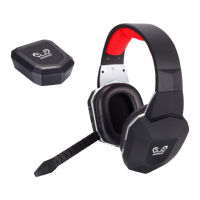
3.Charging method
Please use Micro USB-USB ( ) cable to connect the headset ( )and the USB
power source (DC 5V) for charging; when it is charging , the charging indicator light
is on; it takes around 5 hours to complete charging; when it is fully charged, the red
light is off.
4.Pairing:
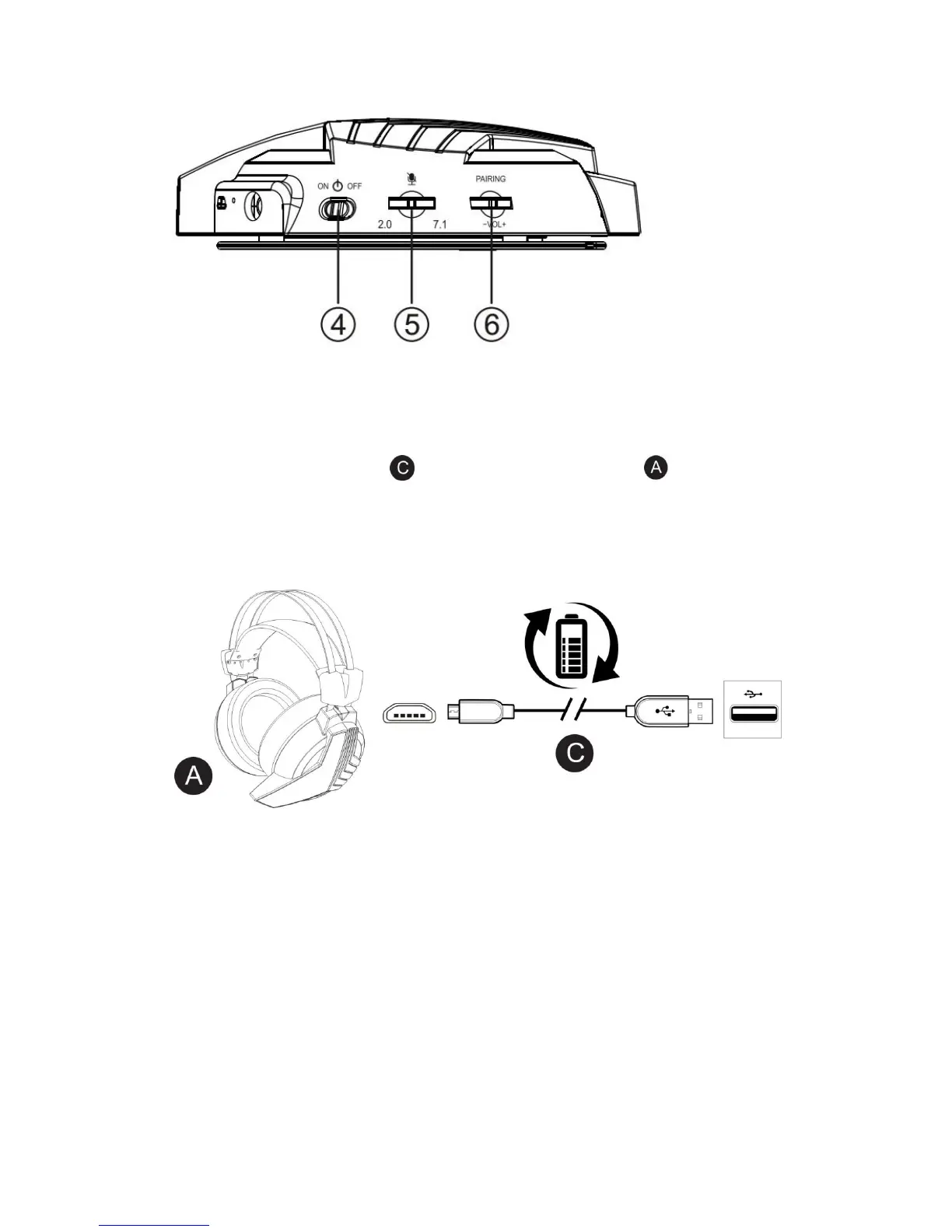
1). Unplug the transmitter and power off the headset.
2). Power on the headset, LED indicator light is flashing.
3). Press and hold the pairing button on the headset, the LED lighting is fast
flashing.
4). Plug transmitter into PC for pairing
5). When pairing is successful, the transmitter will restart and headset will
power off automatically.
6). Power on the headset, the headset and transmitter finish pairing.


 To Next Page