End consumer info Ù Operating instructions
White light can change between warm and cool colour temperatures and in doing so
conveys dierent kinds of emotions. By using the coloured light function you are able to
determine dierent types of atmospheric light in the unit by remote control. You can set
cold and warm colour temperatures to any level and also dim the selected
setting, again to any level.
hülsta provides you with dierent kinds of emotion lamps that can be
switched on in one or more furniture units (even when these are placed
separately). These lamps can be allocated to the individual channels (1 – 4).
Besides the technical components of the coloured light control unit you
also require special emotion lamps which can be recognised by their
orange coloured labels with the
sign.
Caution!
Please only use emotion lamps with the
sign together with your coloured
light control unit. This is the only way to guarantee full functionality and risk-free use.
Please discuss the details for your required lamp settings with the qualified fitter before
assembly actually takes place.
1.1 Switching on and o
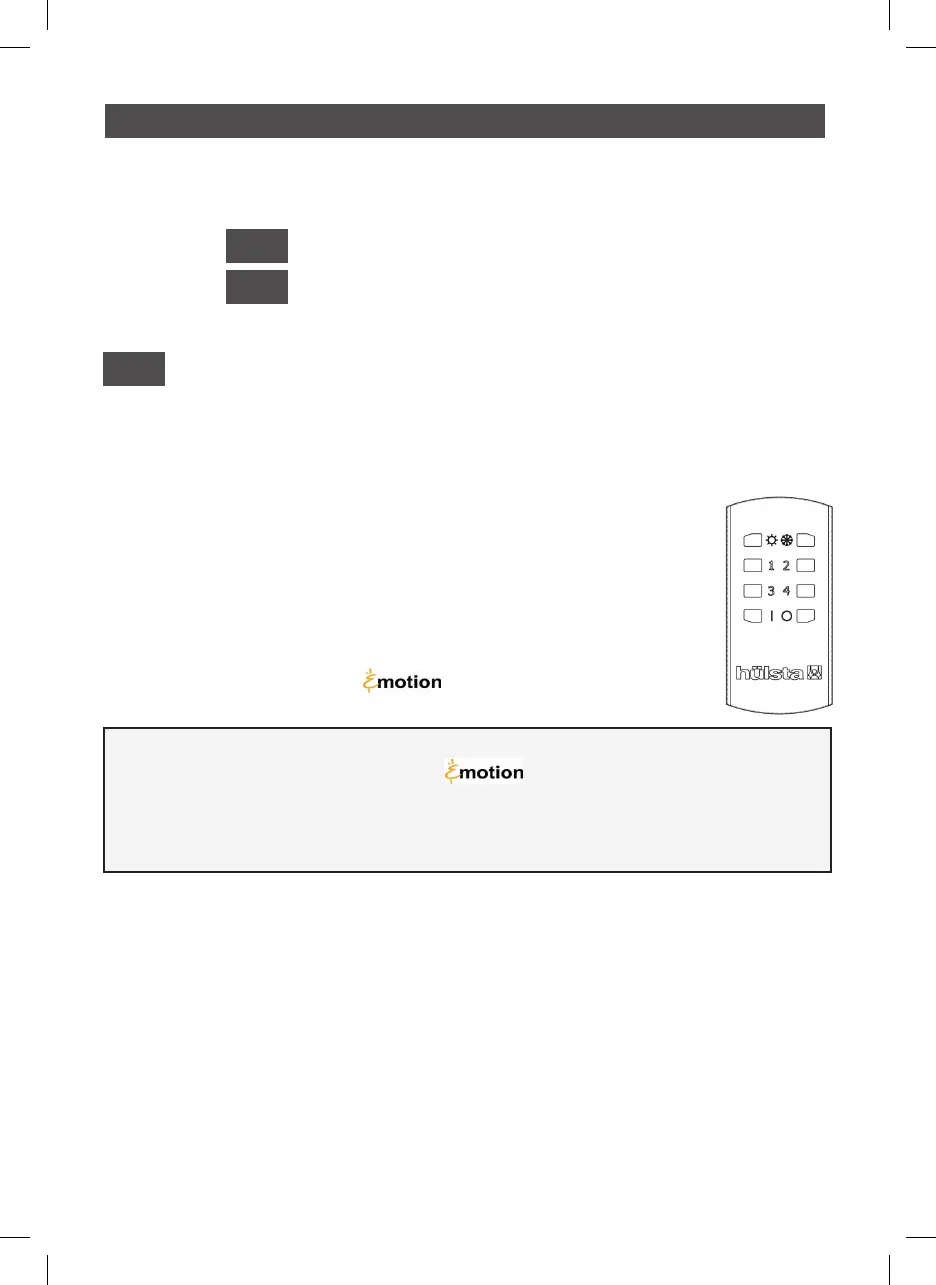
Switch on the coloured light control unit by pressing the ON button ( I )
(at the bottom left of the control unit) for a short time.
Switch o the coloured light control unit by pressing the OFF button ( O )
(at the bottom right of the control unit) for a short time.
1.2 Change colour temperature
To set the light temperature use the top two buttons with the symbols and . Continued
pressure on the button makes the light eect warmer. Continued pressure on the
button makes the light eect cooler.
Activate a lamp group using buttons 1 to 4.
1
COLOURED LIGHT CONTROL
Notes on use by the end consumer
and on programming by the fitter
1
INT
2
Bedienungsanleitung_Farblichtsteuerung_Druck.indd 11 13.10.15 16:08


 To Next Page