www.humantouch.com
14
15
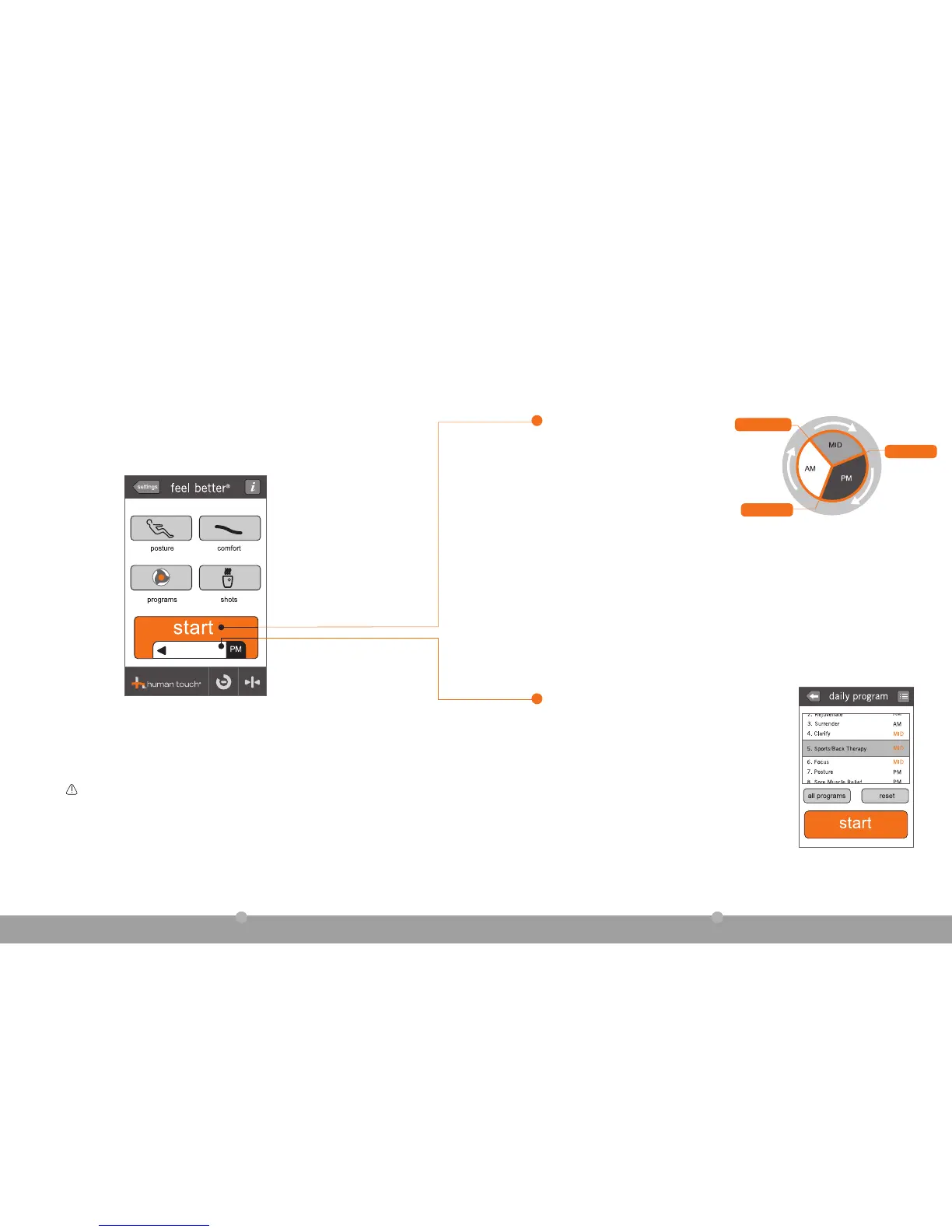
HT-Connect knows what you need when you
need it. No matter what the time of day, it serves
up a suitable automatic massage program in
the daily program window. Simply touch start to
start the recommended program.
AUTOMATIC DAILY PROGRAMS
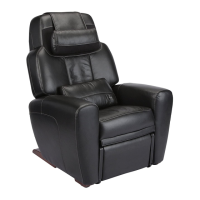
Warning: While using HT-Connect to customize and control your AcuTouch 9500
massage chair, the chair often moves automatically to implement your desired
settings. Ensure that the area around the chair is free from any obstructions before
using the chair.
RATHER CHOOSE YOUR OWN PROGRAM? Just touch the
daily program window to display the daily program screen,
which contains nine different programs. The code on the
right-hand side of the wheel indicates whether the program is
ideal for morning (AM), mid day (MID) or evening (PM).
Select the desired program, then touch start to
begin your massage.
daily program
take control
with HT Connect
™
4:00 PM (16:00)
10:00 AM (10:00)
2:00 AM (02:00)



 To Next Page