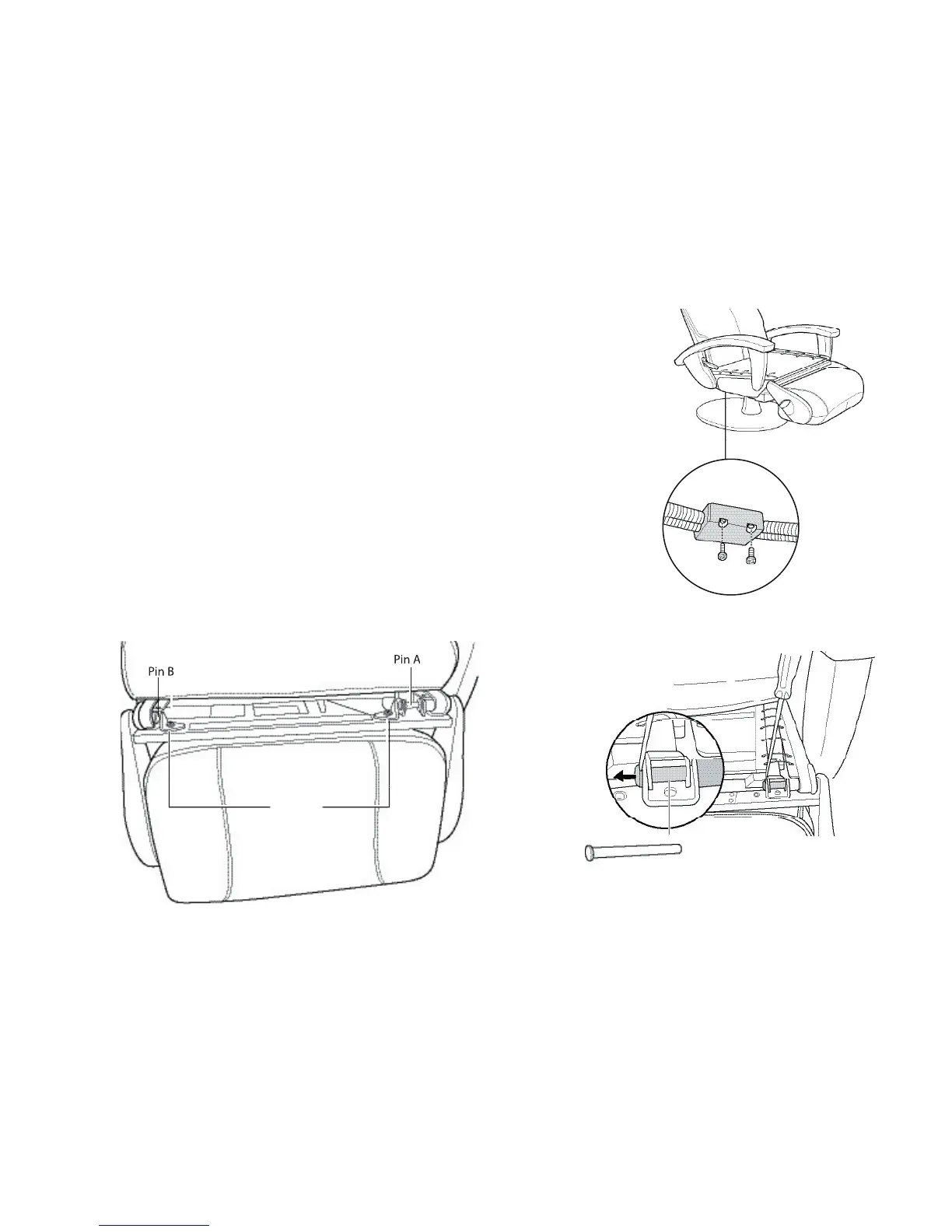
. Locate the connector box on the bottom right-hand side of the chair (Fig.4).
8. Using a Phillips-head screwdriver, remove the two screws that secure the
connector box cover, remove the
cover, then disconnect the
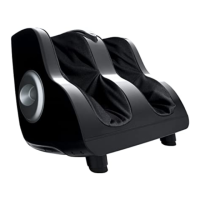
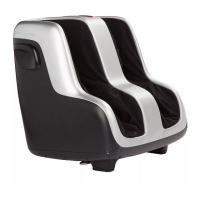
foot and calf massager connector.
. Using a nail clipper, or other suitable instrument, cut any zip ties that secure
the cable that runs from the
the foot and calf massager, to free the cable from the chair base.
. Locate the two brackets on the top of the foot and calf massager frame
. Using a vice-grip, turn each
bracket screw counter-clockwise just enough to break the torque (approximately 1/4 turn).
11. Using a Phillips-head screwdriver, remove both screws and their washers from the brackets, then remove
use a flat-head screwdriver to loosen the pin, by inserting the screwdriver between the
pin head and the bracket then using the screwdriver as leverage to push the pin head away from the



 To Next Page