8. Repeat steps 2 - 7 on the other side panel.
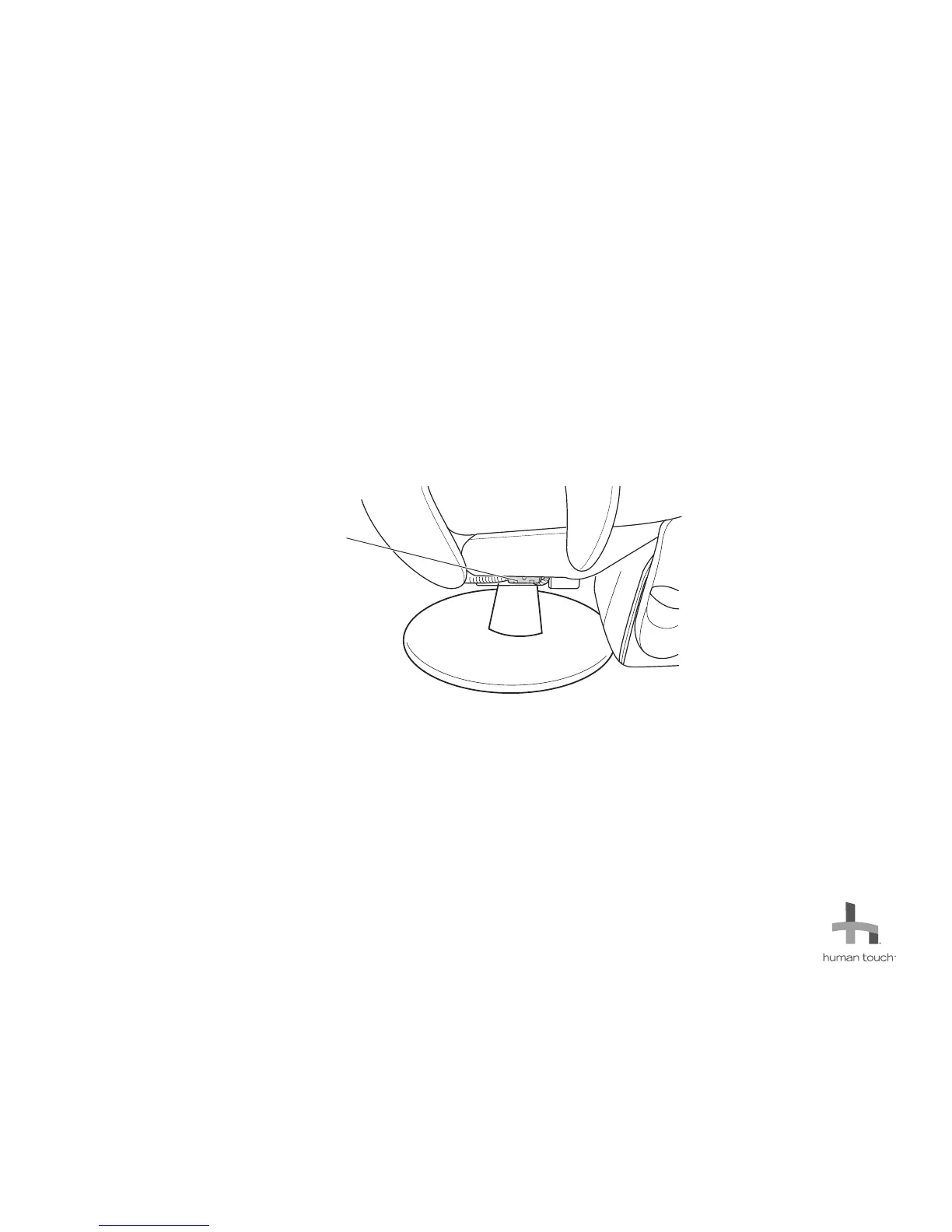
9. Reconnect the cables at the connector box on the bottom right-hand side of the chair (Fig.9).
10. Using a Phillips-head screwdriver, secure the connector box cover using the two screws you removed earlier.
11. Replace the zip ties you removed previously, to secure the connector boxes and cables to the bottom of the chair.
12. Reinstall the chair pads, following the instructions in the Use and Care Guide.
13. Plug in and power on the chair, then verify that both the massage and recline functions work.
4
Please send any questions or comments regarding these instructions to: documentation@humantouch.com
© 2011 Human Touch
®
, LLC.
Connector box
(Right-hand side of the chair)
(Fig.9)



 To Previous Page