SEAT
TAKE A
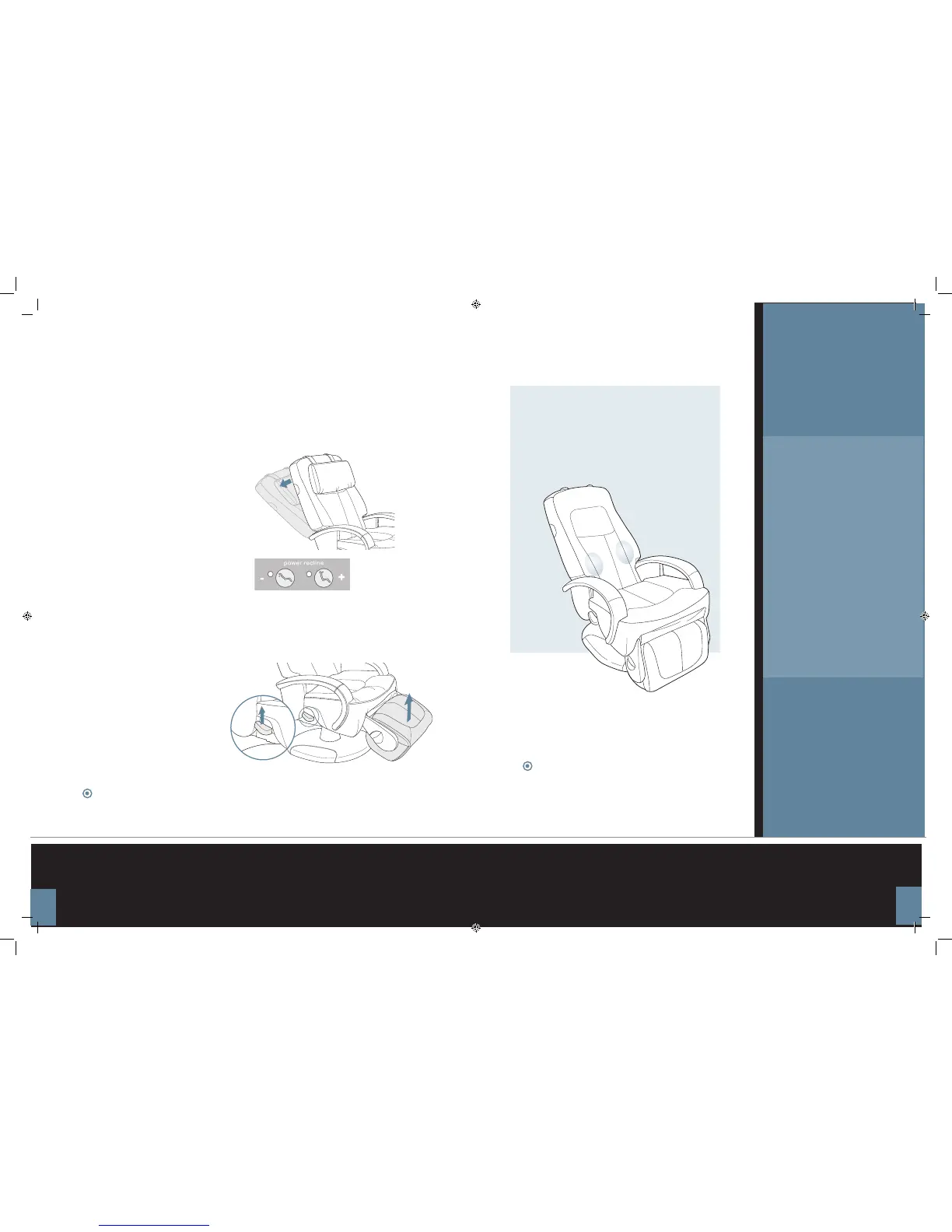
2. Adjust the footrest height
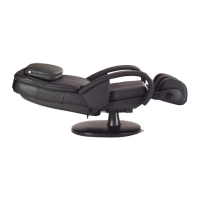
While sitting in the chair, pull up on the electric footrest lever
(located on the right-hand side of the chair) to raise the footrest to
a comfortable height. Release the lever.
1. Adjust the backrest
Use the remote control Power Recline buttons to adjust
the backrest angle for maximum comfort.
When changing direction (from Recline to Incline and from Leg Up
to Leg Down), there is a slight pause while the chair gears shift.
This is perfectly normal.
Using your
HT
™
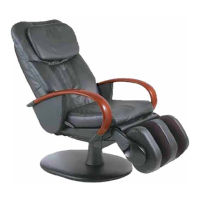
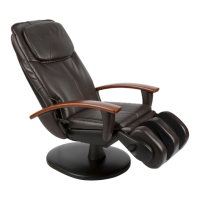
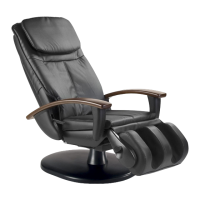
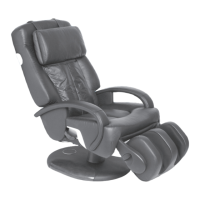
-270 chair is easy.
Just take a seat, adjust the
backrest and footrest to the
desired position, and deploy the
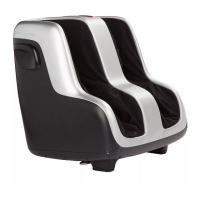
calf+foot massager (if desired).
Your HT
™
-270 massage chair
expertly soothes tired muscles
from head to toe, using a wide
variety of massage techniques
that you control. It’s a luxury you
will treasure for years to come
.
The HT
™
-270 has a relaxing heat feature.
Use it to warm and ease lower-back tension before a
massage, enhance relief following a massage, or to soothe
lower back muscles without massage.
Push down on the electric footrest release lever (located on the right-hand side
of the chair) to return the footrest to a vertical position.
Before getting out of the chair, always lower the footrest.
9



 To Next Page