Need help?
Do you have a question about the Human Headphones and is the answer not in the manual?
Download the Human App to begin setup and access features.
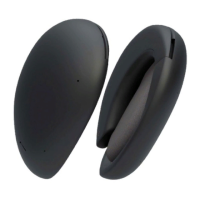
Simply separate the units to power on; LEDs indicate headphones are on.
Headphones automatically enter pairing mode during first-time setup.
Clasp the headphones together to turn them off; they power off automatically.
Place clasped headphones on the charging dock; LEDs show charging status.
Hold each headphone to re-activate pairing mode until prompted.
Tap to pause/resume media, swipe forward/back for next/previous tracks.
Swipe to adjust volume, tap twice to answer/end calls, swipe back to reject calls.
Tap twice on each headphone to access your device's native digital assistant.
Utilize Speaker Mode, Translation Mode, Blend Mode, and product updates.
 General
| Brand | Human |
|---|---|
| Model | Headphones |
| Category | Wireless Headphones |
| Language | English |

 To Next Page