-11-
(4) Operating Procedures & Function
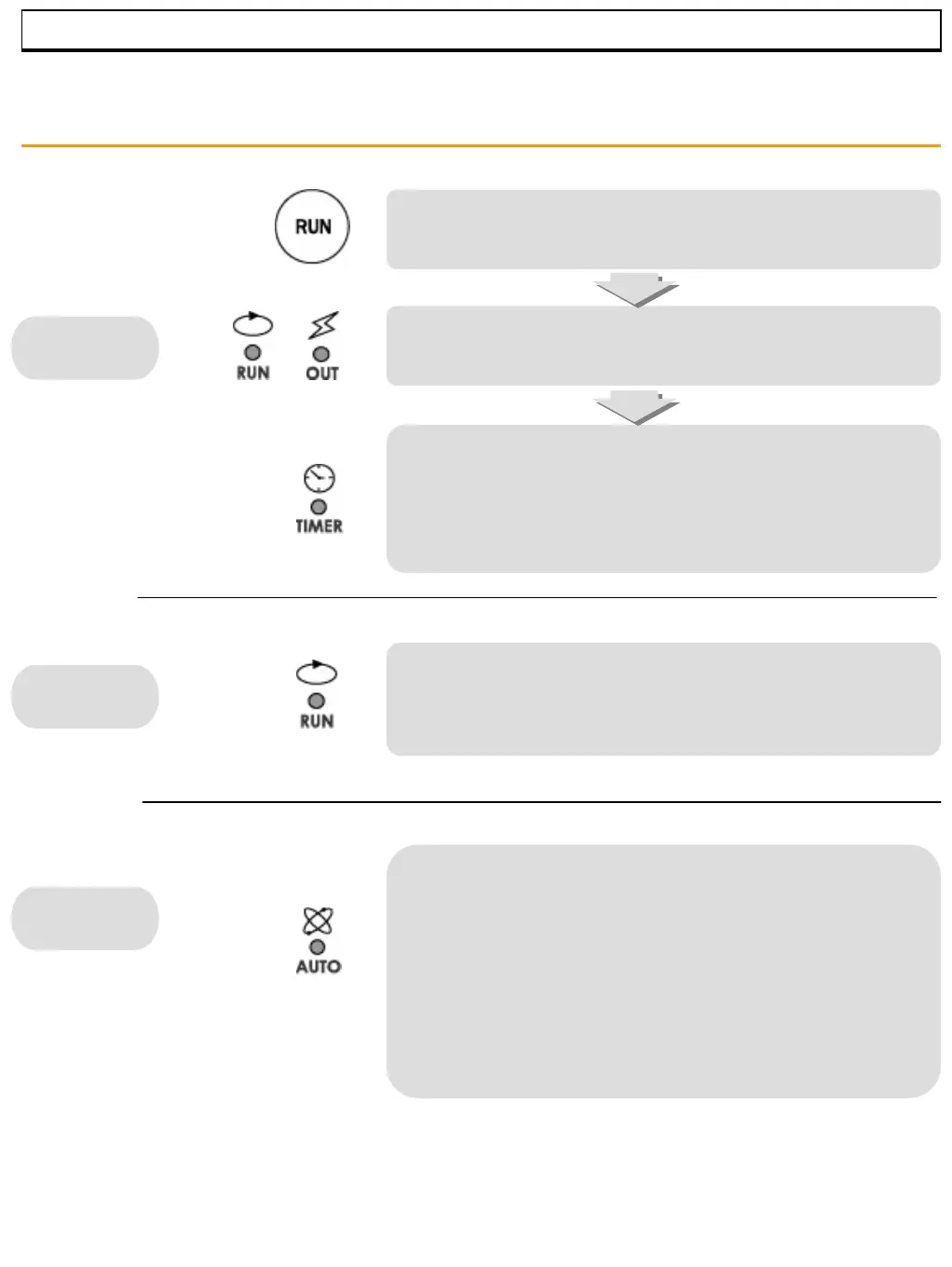
Press “START” key for 2 seconds.
The RUN and the OUT indicator lights turn on
and the heater begins operating.
The timer does not begin operating as the timer indicator
blinks until set temperature is reached. The timer starts
working as the indicator turns on after set temperature is
reached.
The RUN light will blink and the ‘end’ will appear with
“beep” tone for 30 seconds.
To stop “beep” tone immediately, press “START/STOP” key.
Auto tuning function calculates the most effective integer for PID
and ARW automatically. Auto Tuning can start while temperature is
rising or after set temperature is reached. To start Auto tuning,
press “Auto” key for 5 seconds until the “beep” tone. It begins to
function with the AUTO indicator light flashing and completes its
function as the AUTO light turns off. If you want to stop Auto
Tuning, press the “AUTO” key for 5 seconds during Auto tuning
function.
Stop
Start
Auto Tuning
• Auto-tuning factory default set is between 300℃ ~ 400 ℃.
(Higher than 400 ℃ auto-tuning is not permitted within
the factory for the maximum quality of the product.)
Perform the Auto-tuning properly to your testing condition
for more accurate and stable temperature operation.
MUFFLE FURNACE



 To Next Page
 Loading...