2-43
Turn and Lane Change Signals
The turn signal has two upward (for right) and two
downward (for left) positions. These positions allow
you to signal a turn or a lane change.
To signal a turn, move the lever all the way up or down.
When the turn is finished, the lever will return
automatically.
To signal a lane change, just raise or lower the lever
until the arrow starts to flash. Hold it there until you
complete your lane change. The lever will return by
itself when you release it.
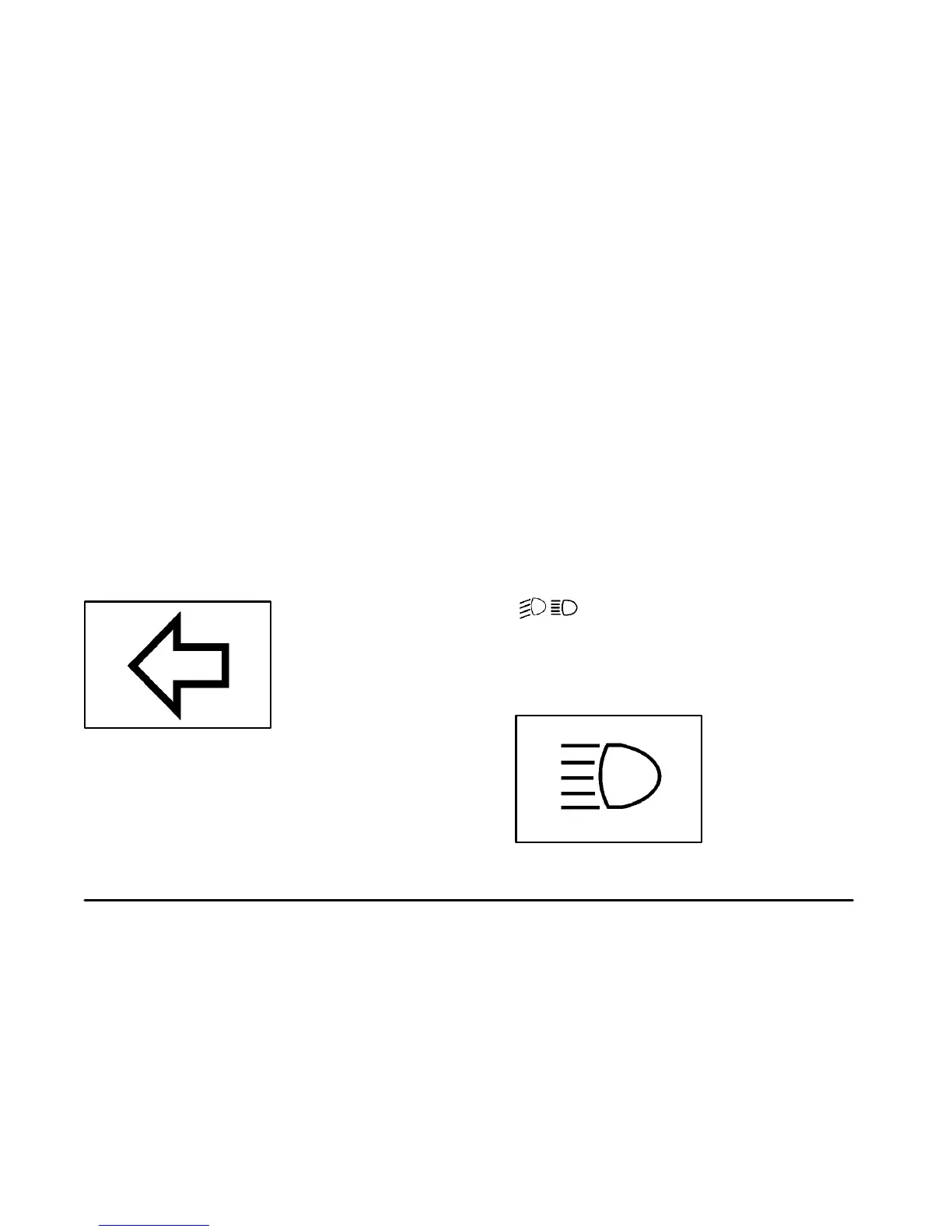
An arrow on the instrument
panel cluster will flash in
the direction of the turn or
lane change.
As you signal a turn or a lane change, if the arrows flash
more quickly than normal, a signal bulb may be burned
out and other drivers won’t see your turn signal.
If a bulb is burned out, replace it to help avoid an
accident. If the arrows don’t go on at all when you
signal a turn, check for burned
-out bulbs and a blown
fuse. See “Fuses and Circuit Breakers” in the Index.
Turn Signal On Chime
If your turn signal is left on for more than 3/4 of a mile
(1.2 km), a chime will sound at each flash of the turn
signal and the message TURN SIGNAL ON will also
appear in the DIC. To turn the chime and message off,
move the turn signal lever to the off position.
Headlamp High/Low-Beam Changer
(High/Low-Beam Changer): To change
the headlamps from low to high beam, push the lever
toward the instrument panel. To return to low
-beam
headlamps, pull the multifunction lever toward you.
Then release it.
When the high beams are
on, this indicator light on
the instrument panel cluster
will also be on.


 To Next Page
 Loading...