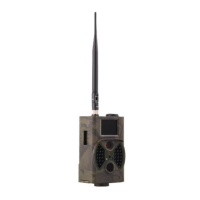
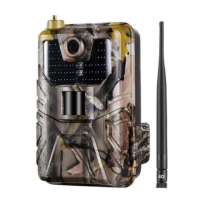
You can follow below instructions to setup the menus and
functions:
Mode
Set the working mode, there are 4 modes:
Camera: camera take pictures only.
Video:camera takes videos only.
Camera & video: the camera will take a photo firstly, then take a
video.
Time lapse:camera take pictures/videos every
5/10/30/60minutes, no matter itdetect target or not.
Resolution
Set the picture resolution, 3 options: 20MP/16MP/12MP
Continue Shot
4 options: 1/3/6/9 , for example, 3 means camera take 3 pictures if
it is triggered one time.
ISO
4 options, Auto/100/200/400, you can choose 400 to make the
pictures brighter, and choose 100 if you think picture is little
over-exposed.
Video Size
You can choose the video resolution, 3 options:
1080P/720P/VGA.


 To Next Page