12
41968-01 • 04/10/07 • Hunter Fan Company
9 • Operating and Cleaning Your Ceiling Fan
9-1. Turn on electrical power to the fan.
9-2. e fan pull chain controls power to the fan. e pull chain has
four settings in sequence: High, Medium, Low and Off.
• Pull the chain slowly to change settings.
• Release slowly to prevent the chain from recoiling into the
blades.
• e chain uses a breakaway connector that separates if the
chain is jerked. If this happens, simply reinsert the chain into
the connector.
9-3. e light pull chain controls power to the light. e pull chain has
two settings: On and Off.
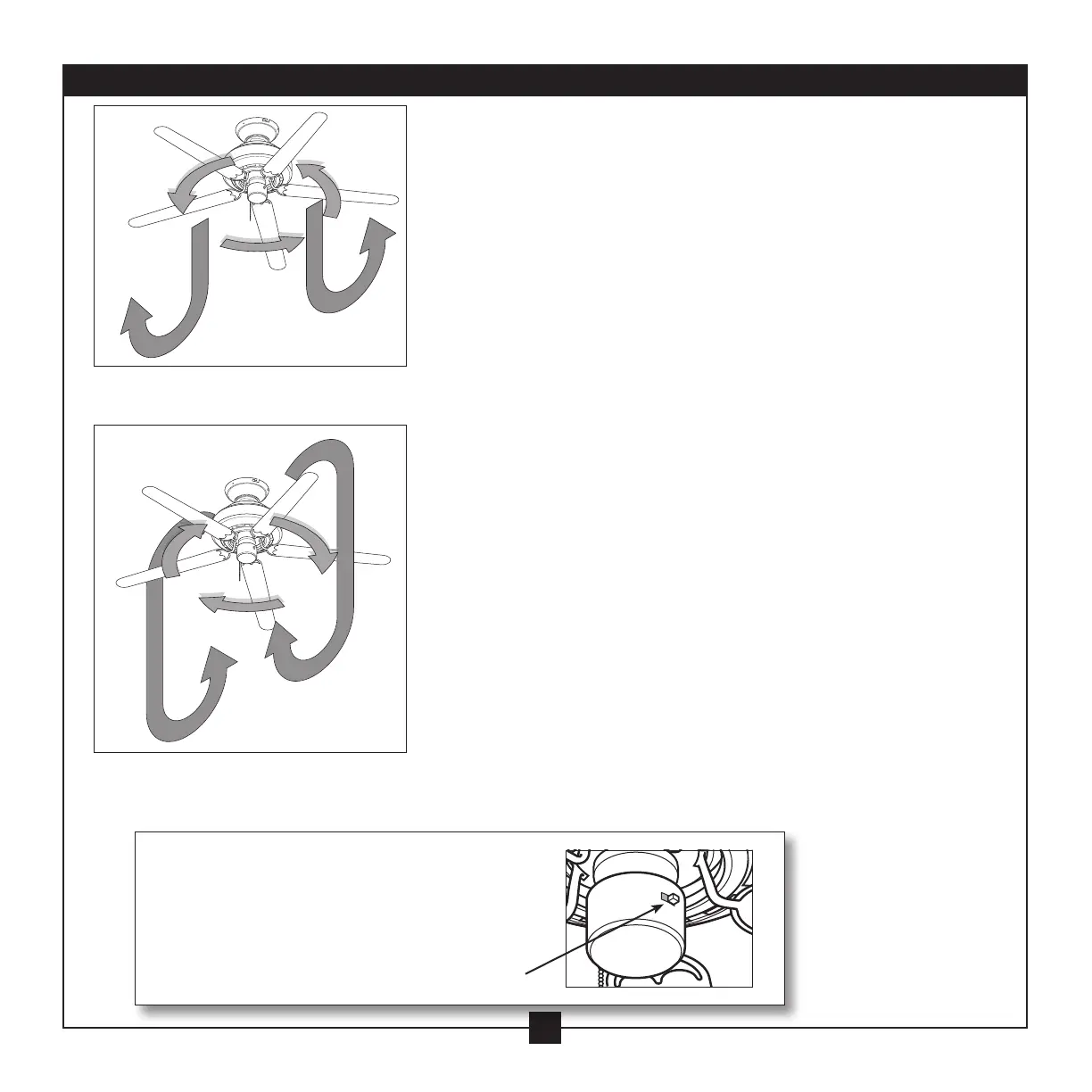
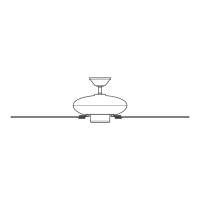
9-4. Ceiling fans work best by blowing air downward
(counterclockwise blade rotation) in warm weather to cool the
room with a direct breeze. In cold weather, having the fan draw
air upward (clockwise blade rotation) will distribute the warmer
air trapped at the ceiling around the room without causing a
draft.
9-5. For cleaning finishes, use a soft brush or lint-free cloth to prevent
scratching. A vacuum cleaner brush nozzle can remove heavier
dust. Remove surface smudges or accumulated dirt and dust
using a mild detergent and a slightly dampened cloth. You may
use an artistic agent, but never abrasive cleaning agents as they
will damage the finish.
9-6. Clean wood finish blades with a furniture polishing cloth.
Occasionally, apply a light coat of furniture polish for added
protection and beauty. Clean painted and high-gloss blades in
the same manner as the fan finish.
In warm weather, use
downward air flow pattern
In cold weather, use upward
air flow pattern
To Change Airflow Direction
Turn the fan off and let it come to a complete
stop. Slide the reversing switch on the fan to the
opposite position. Restart fan.
Reversing
Switch



 To Next Page