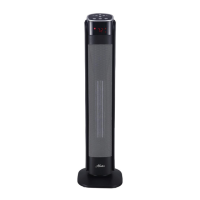
1. Place the heater on a firm and level surface.
2. Plug the cord set into a 120 volt AC outlet. Be sure that the
plug fits tightly into outlet. When plugs fit loosely into
receptacles, they may slip partially or completely out of the
receptacle with only the slight movement of the attached cord.
Receptacles in this condition may overheat and pose a serious
fire hazard; if covered by a curtain or drape, the fire hazard is
even greater.
3. Turn on the Power Switch in the rear of the unit. (Figure 5)
4. There will be a "beep" sound and Power Light will come on
indicating that there is power to the unit. The Power Light will
remain on until Power Switch is turned off. (Figure 5)
7. Upon turning the heater on, the unit will be in HIGH heat.
6. Press the and buttons at the same time for two
seconds to change the display to show the temperature reading
in Celsius. Press the same two buttons together again to change
the display back to show the temperature reading in Fahrenheit.
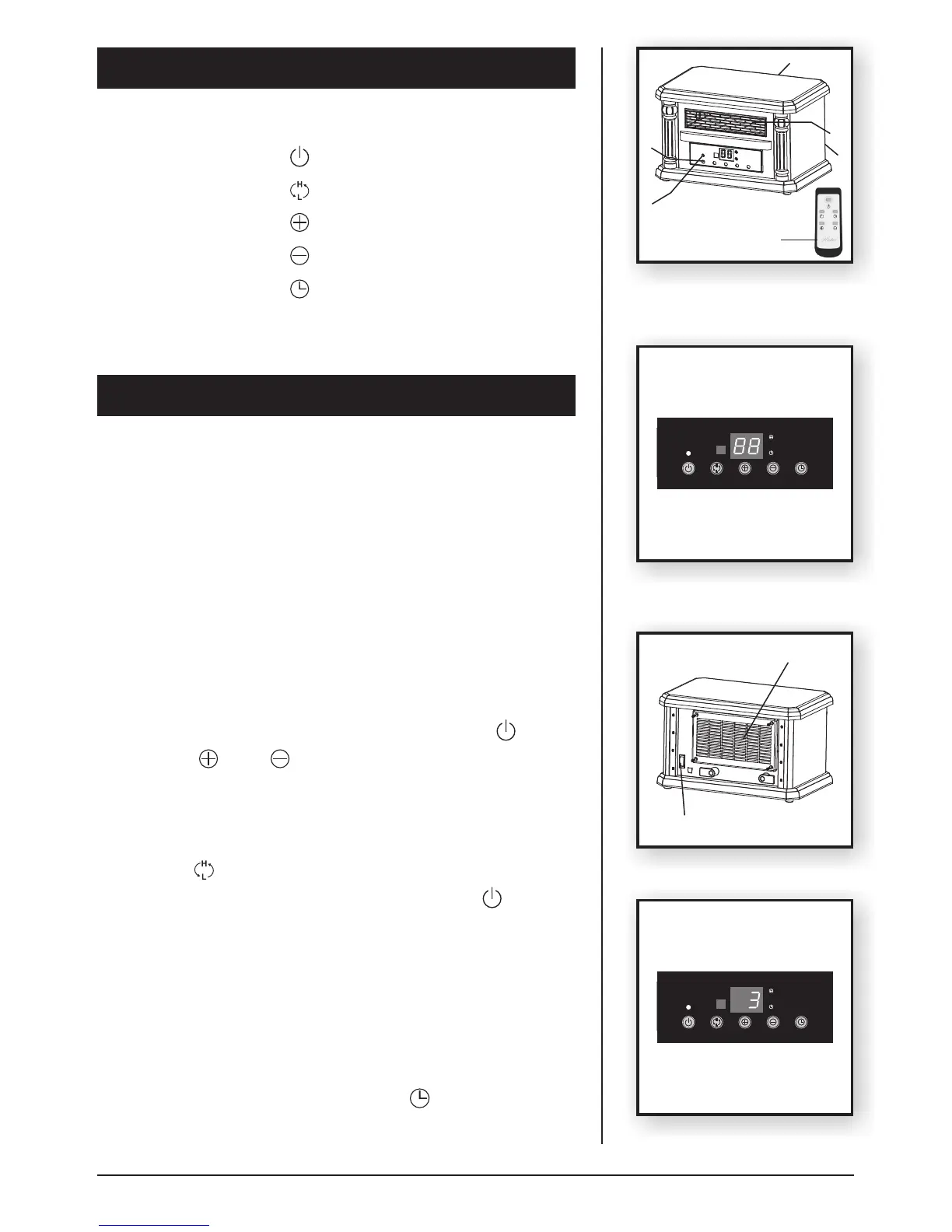
PARTS OF THE HEATER
Parts of the Heater
1.
2. Safety Grille
3. Remote Control
4. Washable Air Filter
5. Power Switch
6. Power Light
Control Panel
Symbols
OPERATING INSTRUCTIONS
(Figure 4)
Power Button
H/L Heat Button
High Temperature Setting Button
Low Temperature Setting Button
Timer Button
Figure 4
Operation
5. Turn the heater ON by pressing the Power Button .
8. Press the button to switch over LOW or HIGH heat.
(Figure 3)
81609-01 R20150420
Figure 3
1
2
9. To turn the heater OFF, press the Power Button again.
The unit will turn off the heating elements. Then turn off the
Power Switch in the rear of the unit. Power Light will go out
indicating that the power is shut off. Unplug the unit by pulling the
plug from the electrical outlet.
5
4
3
Timer Function (Figure 6)
The timer function may be activated when the heater display is
in any function. This function allows you to set the length of time
the heater will run before turning itself off, from 0 hour to 12 hours.
"0" means there is no set running time and heater will run
continuously. Pressing the Timer Button will increase the
length of time by 12 hour each time when this button is pressed.
6
Figure 5
Figure 6
6
Power Switch
Filter Cover


 To Next Page