3
42765-01•10/05/07•HunterFanCompany
Installer’s Choice and Optional Accessories
Understanding Mounting and Installer’s Choice®
Hunter’spatented3-positionmountingsystemprovidesyoumaximum
installationexibilityandease.YoucaninstallyourHunterfaninone
of three ways, depending on ceiling height and your preference: Low
Prole,Standard,orAngledmounting.estepsinthismanualinclude
instructionsforallthreeInstaller’sChoicemountingmethods.
Considering Optional Accessories
ConsiderusingHunter’soptionalaccessories,includingawall-mounted
or remote speed control. To install and use the accessories, follow
the instructions included with each product. For quiet and optimum
performanceofyourHunterfan,useonlyHunterspeedcontrols.
For ceilings higher than 8 feet, you can purchase
Hunterextensiondownrods.AllHunterfansuse
sturdy3/4”diameterpipetoassurestabilityand
wobble-free performance.
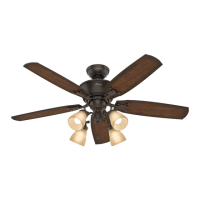
Standard Mounting hangs from the
ceiling by a downrod (included).
Angled Mounting recommended for a
vaulted or angled ceiling
Support Brace
Standard
Mounting
Style
Ceiling
Outlet Box
Support Brace
Ceiling
Outlet Box
Angled
Mounting
Style
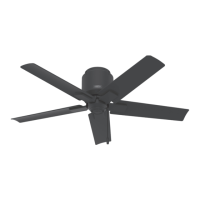
Low Profile Mounting fits close to the
ceiling, recommended for ceilings less
than 8 feet high
Support Brace
Low Profile
Mounting
Style
Ceiling
Outlet Box
8
12
CAUTION: To
reduce the risk of
personalinjury,attach
the fan directly to the
support structure of
the building according
to these instructions,
and use only the
hardware supplied.



 To Next Page