3-
1
SECTION 3
USING YOUR TRACKER 2700
3-1. Introduction
Electronic troubleshooting is a skilled art, based largely on logical deduction, experience, and
intuition. The Huntron Tracker 2700 uses Tracker Signature Analysis or TSA to take full
advantage of a technician's skills. TSA is the examination of the current verses voltage
characteristic of a component under power-off conditions for the purpose of troubleshooting. The
component's Tracker signature is displayed for visual analysis and indicates its relative health
and condition. For solid state components, TSA enables you to visualize component leakage and
substrate damage that is difficult to find with conventional test methods.
With TSA, you can troubleshoot components without applying power, saving circuits from
possible further damage. By comparing the signatures of a questionable component with those of
a known-good component, you can quickly locate failed and marginal components. The Tracker
2700 also makes troubleshooting without schematic diagrams a reality.
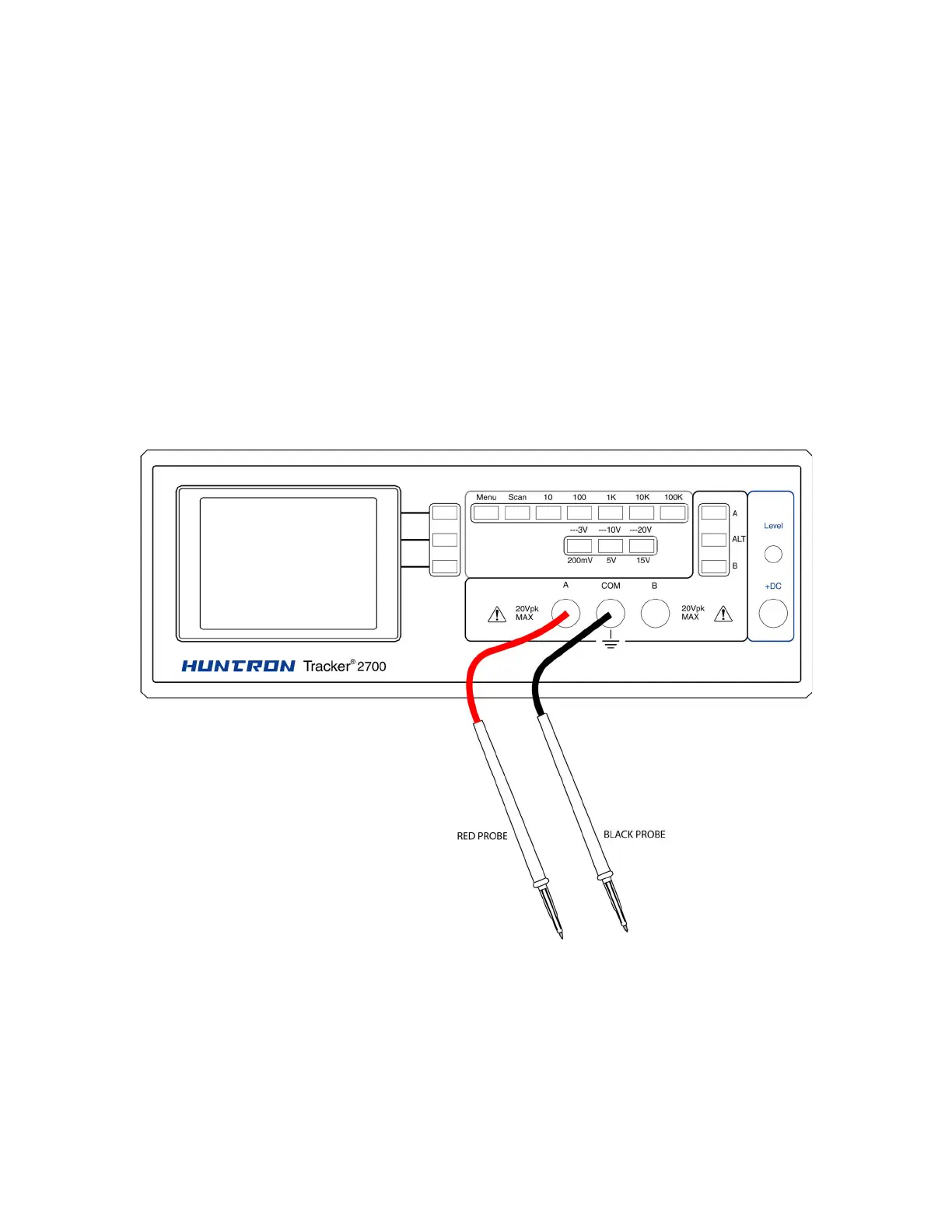
Figure 3-1. Tracker 2700 with Test Probes.



 To Next Page