4-
1
SECTION 4
MENUS AND SETTINGS
4-1. Menu Structure
The Tracker 2700 has several different menus to allow for the selection of range parameters, display
parameters, compare tolerances, scan parameters, DC source function and footswitch (optional accessory)
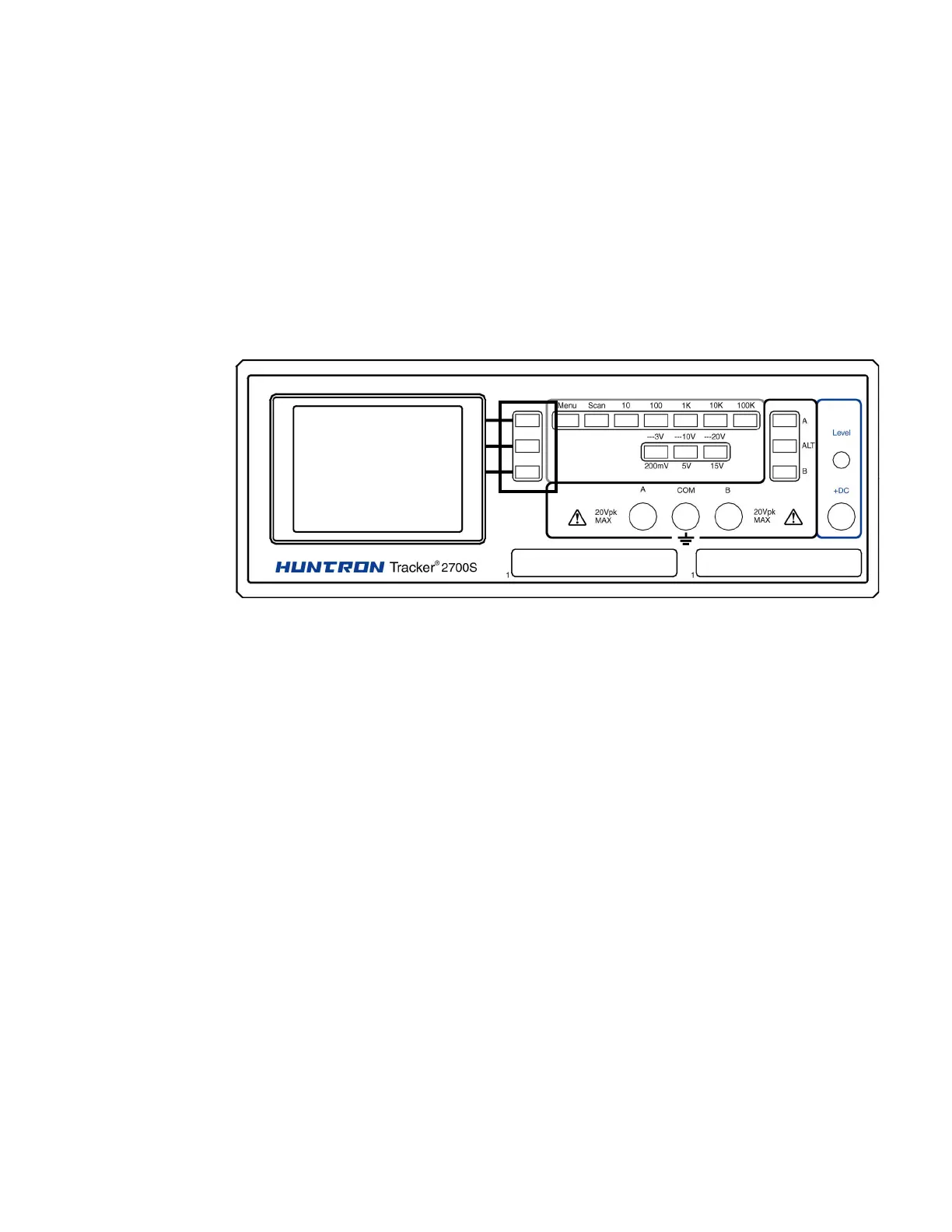
selection parameters. This section will discuss the menu structure and LCD Button functions. Figure 4.1
shows the LCD Buttons that will be used to navigate through those menus. Buttons are labeled with the
adjacent text on the LCD.
Figure 4-1. Front Panel (Tracker 2700S shown) with LCD Buttons Highlighted (in
black)



 To Next Page