4-
3
4.4 Tracker 2700 Sub-menus
Main menu
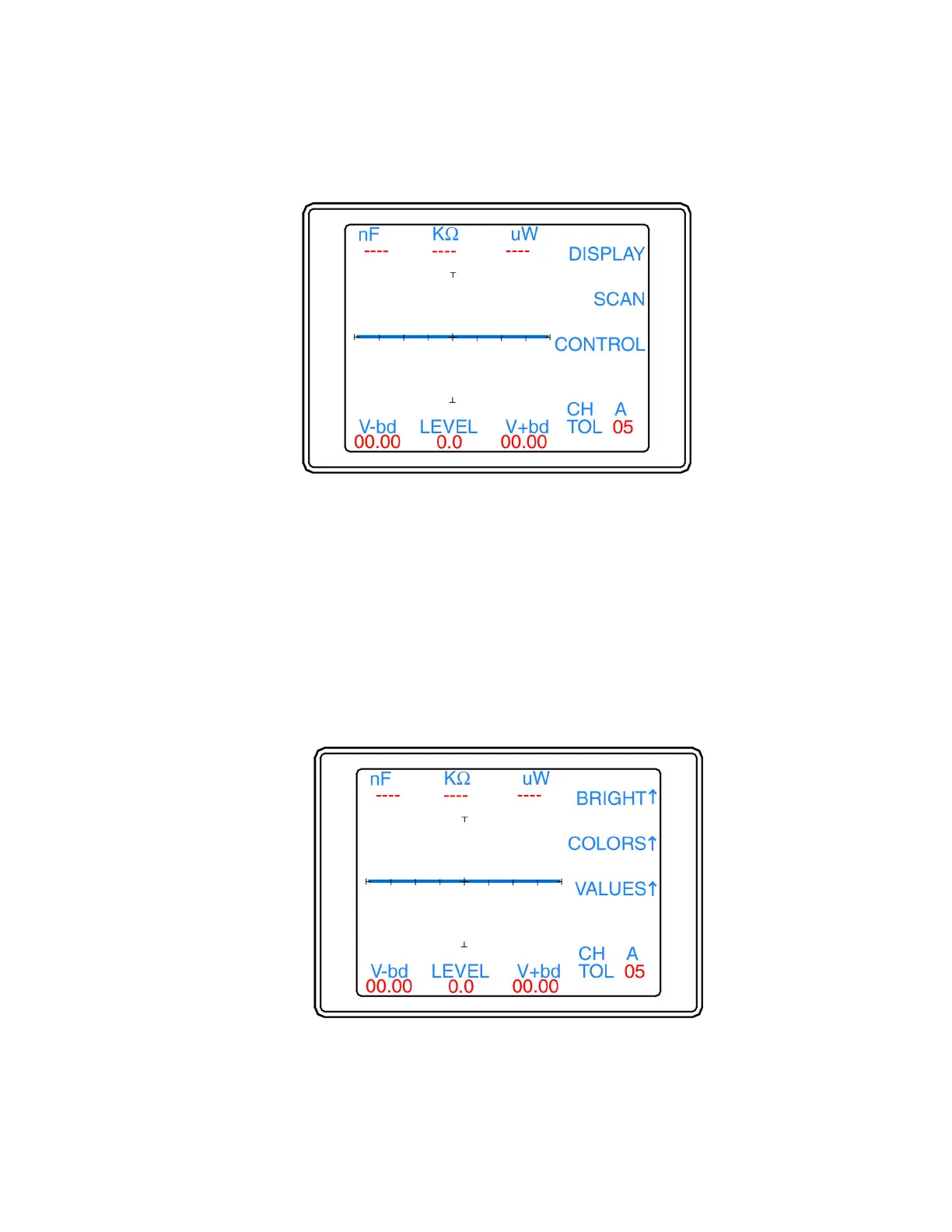
The Main menu (figure 4-3) can be accessed by pressing the Menu button (yellow LED) on the front panel.
Figure 4-3. Main Menu.
The Main Menu functions are as follows:
• Display: Presents the Display menu for configuring LCD brightness, colors and values display.
• Scan: Presents the Scan menu for configuring component package (2700S only), range parameters and
comparison.
• Control: Presents the Control menu for selection of Foot Switch mode, Pulse Generator and Diagnostic
function.
The Display Menu
The Display menu is displayed when the Display button (figure 4-4) is selected from the main menu.
Figure 4-4. Display Submenu.



 To Next Page