4-
5
The Scan/Package menu
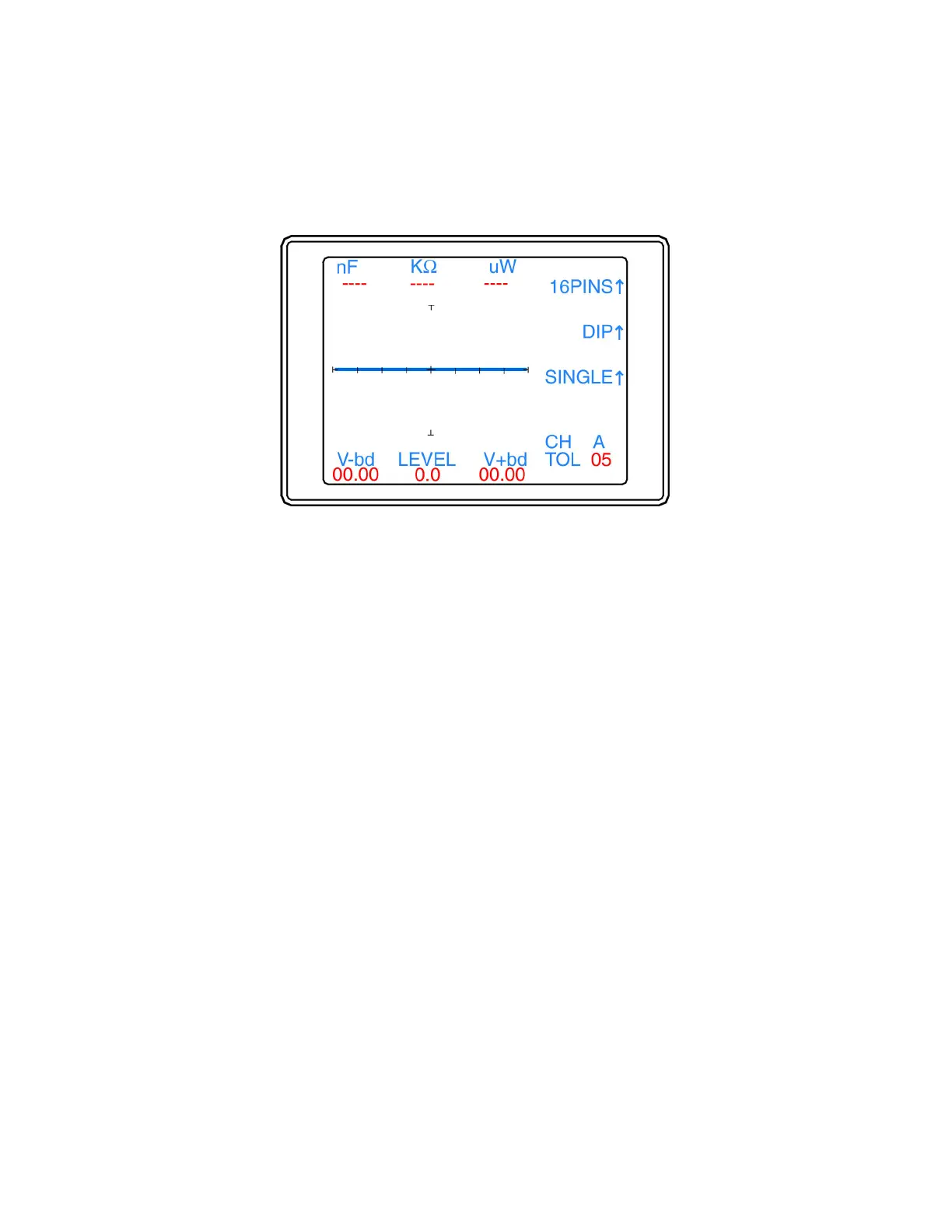
The Tracker 2700S Scan/Package menu (figure 4-6) is displayed by pressing the Package button while in
the Scan menu.
Figure 4-6. Scan / Package menu
The Scan/Package menu functions are as follows:
• 16PINS↑: Sets the number of pins (0-40) to scan. Press the corresponding button to scroll the pin
count. The pin number automatically wraps around to 1pin if 40 pins is surpassed. The number of pins
is stored in memory until changed.
• DIP↑: Sets the package style to scan with the available selections being DIP, SIP, BOTH and FRONT.
For the Tracker 2700S, pin 1 is located in the lower left corner of the IDC connectors. A DIP package
will scan starting with pin 1 and count to the right across the bottom row for half of the configured pins
then move to the top row and count right to left for the second half of the configured pins. A SIP
package will count all odd pins on the bottom row and all even pins on the top row left to right. The
BOTH package will scan starting with pin 1 and count to the right across the bottom row for half of the
configured pins then move to the top row and count left to right for the second half of the configured
pins. A FRONT package will count left to right on the bottom row pins only.
• SINGLE↑: Configures the Tracker to scan the pins one time or to repeat until cancelled or a pin
comparison fails. Press the corresponding button to select SINGLE or LOOP. The setting is stored in
memory until changed.
• Menu Button: Press the Menu button to return to the Scan menu.


 To Next Page
 Loading...
