4-
6
The Scan/ V Ω
ΩΩ
Ω Hz menu
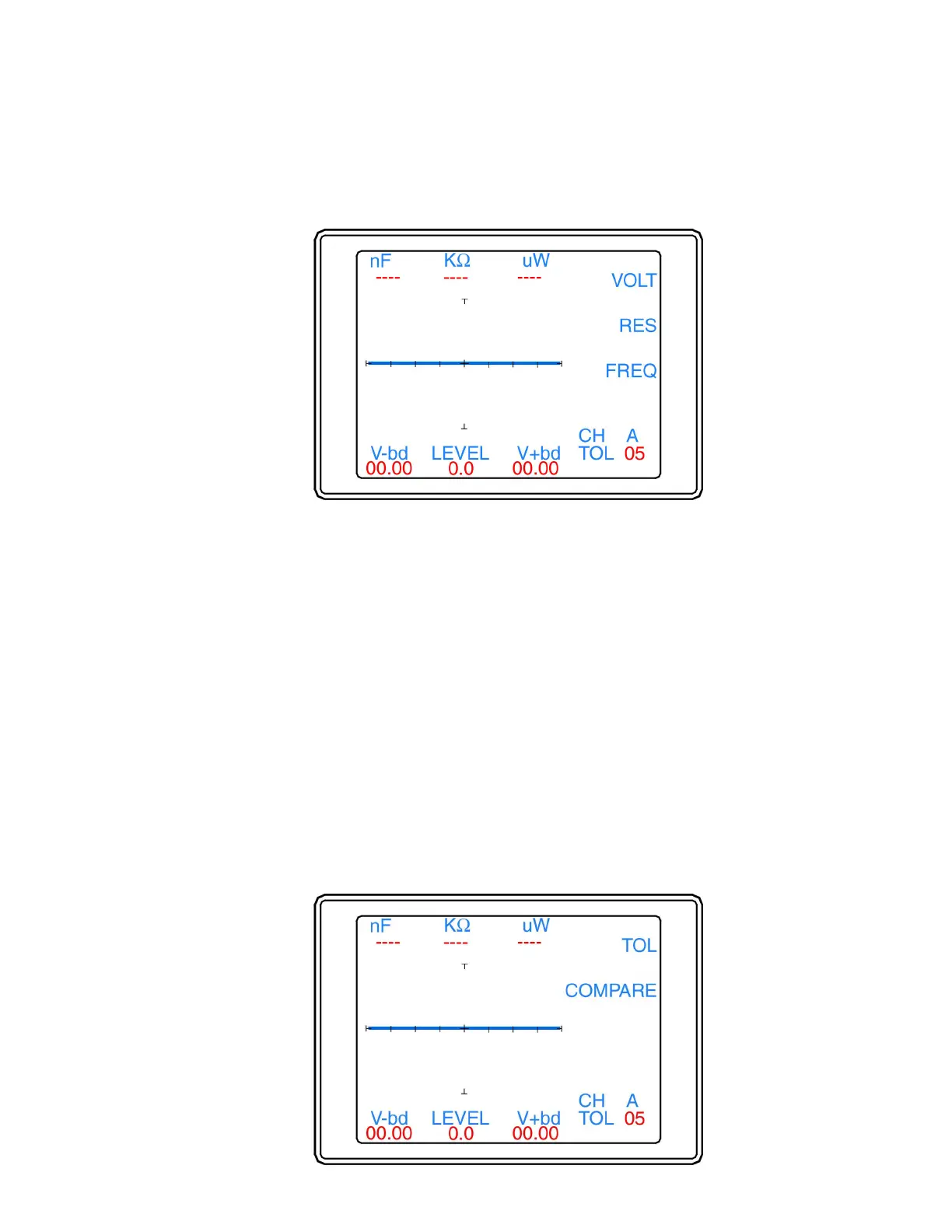
The Scan/ V Ω Hz menu (figure 4-7) is displayed by pressing the V Ω Hz button in the Scan menu.
Figure 4-7. Scan / V Ω Hz menu
The functions of the Scan/ V Ω Hz menu are as follows:
• VOLT: Selects scanning of the voltage levels and disables resistance and frequency scanning. Select
the corresponding button (the LED will light) to enable VOLT scanning. The setting is stored in
memory until changed.
• RES: Selects scanning of the resistance levels and disables voltage and frequency scanning. Select the
corresponding button (the LED will light) to enable RES scanning. The setting is stored in memory
until changed.
• FREQ: Selects scanning of the frequency levels and disables voltage and resistance scanning. Select
the corresponding button (the LED will light) to enable FREQ scanning. The setting is stored in
memory until changed.
• Note: Disabling all of the selections by pressing the lit button will cause the 2700S to scan only in the
currently selected range.
• Menu Button: Press the Menu button to return to the Scan menu.
The Scan/Compare menu
The Scan/Compare menu (figure 4-8) is displayed by pressing the Compare button in the Scan menu.


 To Next Page
 Loading...
