4-
7
Figure 4-8. Scan / Compare menu
The functions of the Scan/Compare menu are as follows:
• TOL↑: Sets the comparison tolerance used when testing signatures and is variable from 0-5 by 1, 5-20
by 5 and 20-90 by 10. The tolerance value is stored in memory until changed.
• COMPARE: Toggles the comparison of signatures ON or OFF. The corresponding button LED
indicates the compare ON/OFF state. When scanning, the compare mode will stop if a signature
comparison fails. Press the Scan button continue the scan. The Compare setting is stored in memory
until changed.
• Menu Button: Press the Menu button to return to the Scan menu.
The Control Menu
The Control menu (figure 4-9) is displayed by pressing the Control button in the Main menu (see figure 4-
3).
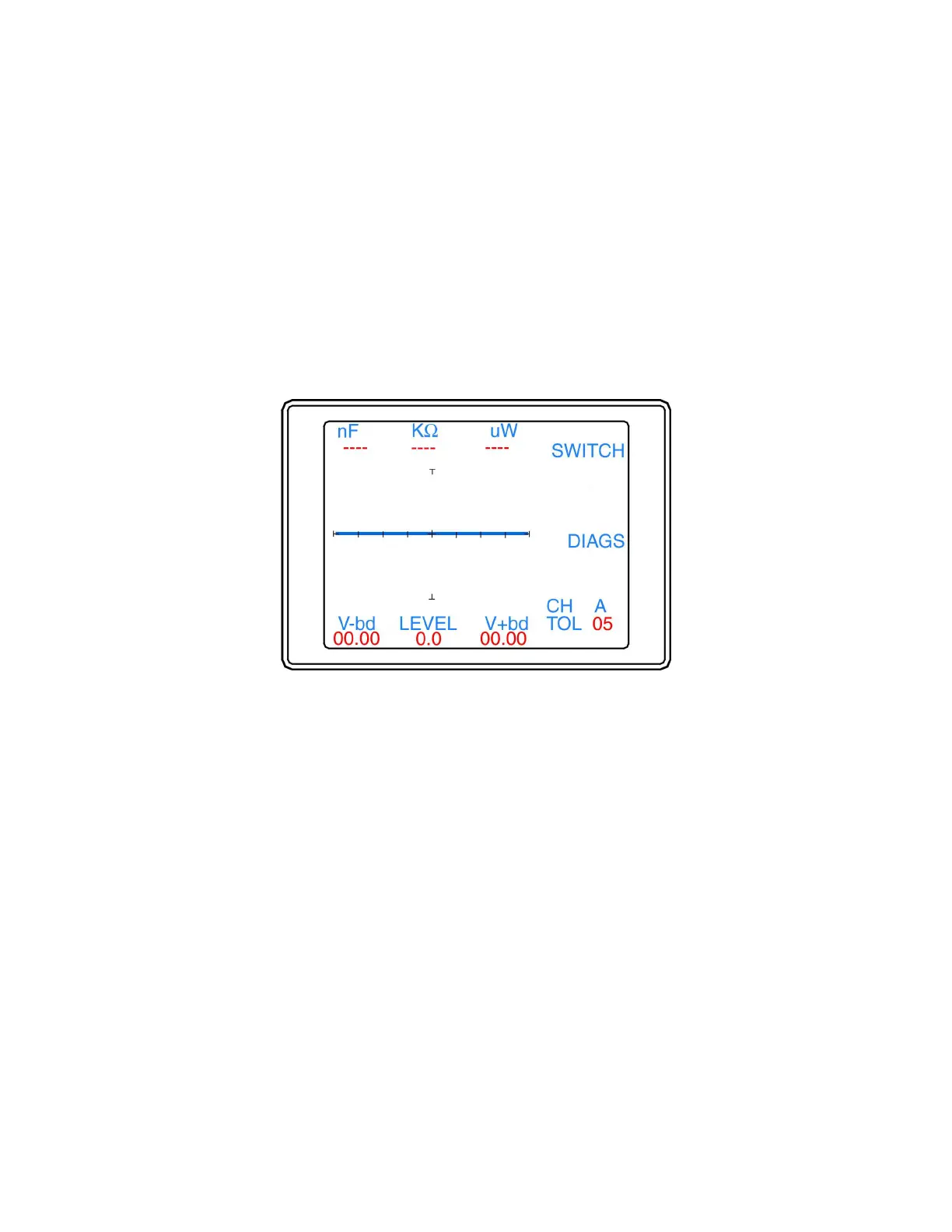
Figure 4-9. Control menu
The functions of the Control menu are as follows:
• SWITCH: Displays the Switch menu for configuring foot switch jack mode.
• DIAGS: Displays the Diagnostics menu for testing the Tracker 2700 function.
• Menu button: Press the Menu button to return to the Main menu.


 To Next Page
 Loading...
