4-
8
The Control/Switch menu
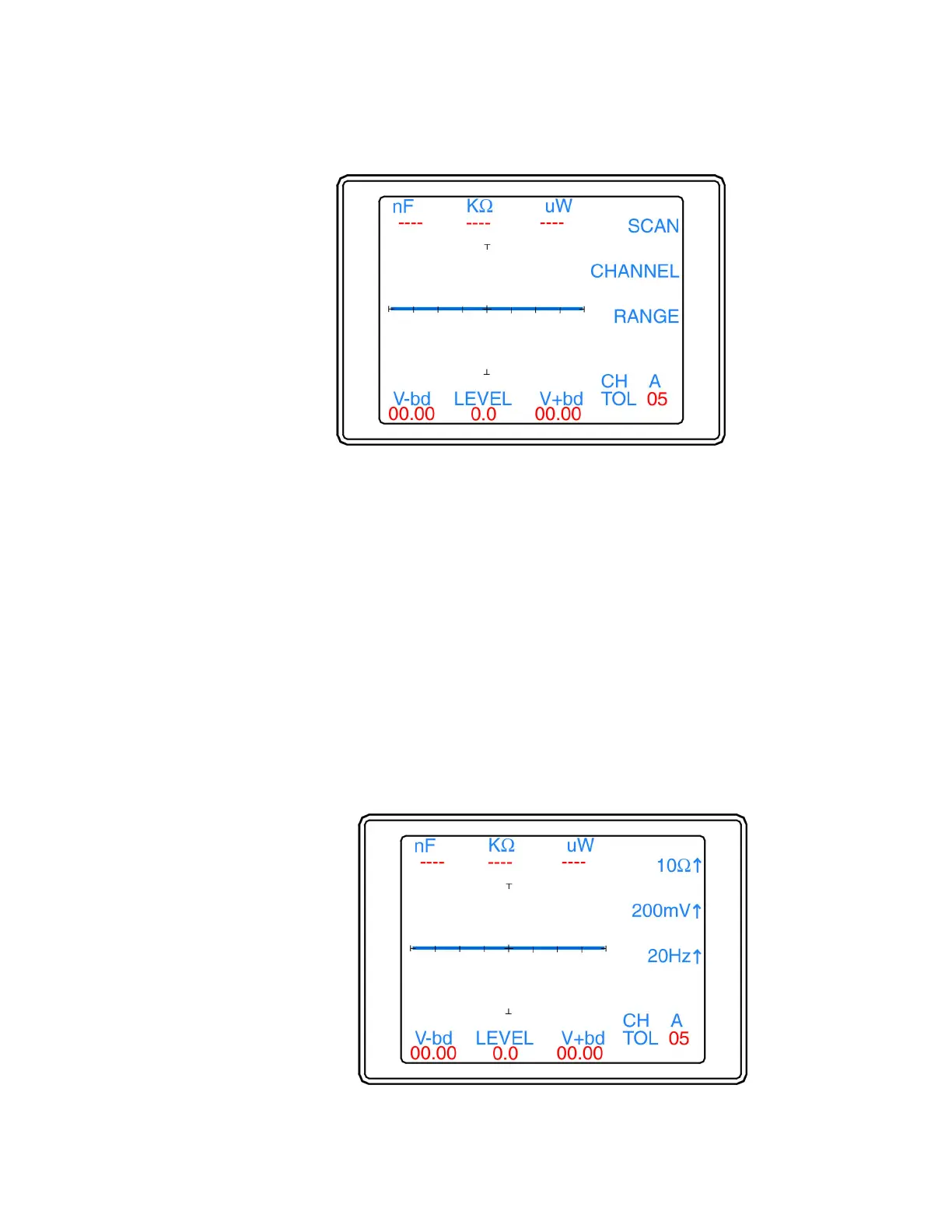
The Control/Switch menu (figure 4-10) is displayed by pressing the Switch button in the Control menu.
Figure 4-10. Control/Switch menu
The functions of the Control/Switch menu are as follows:
• SCAN: Configures the function of an optional foot switch to increment to next scan step based on the
Scan settings (see Scan menu). The button LED is ON when enabled. This setting is stored in memory
until changed.
• CHANNEL: Configures the optional foot switch to changes channels. The button LED is ON when
enabled. This setting is stored in memory until changed.
• RANGE: Configures the optional footswitch to change to the range selected on the Range menu (see
Control/Switch/Range menu). The button LED is ON when enabled. This setting is stored in memory
until changed.
• Menu button: Press the Menu button to return to the Control menu.
The Control/Switch/Range menu
The Control/Switch/Range menu (figure 4-11) is displayed when the Range button is selected in the
Control/Switch menu (see figure 4-10).


 To Next Page
 Loading...
