14
1
3
2
4
How to Use
according to their characteristics, and insert them
into the hopper.
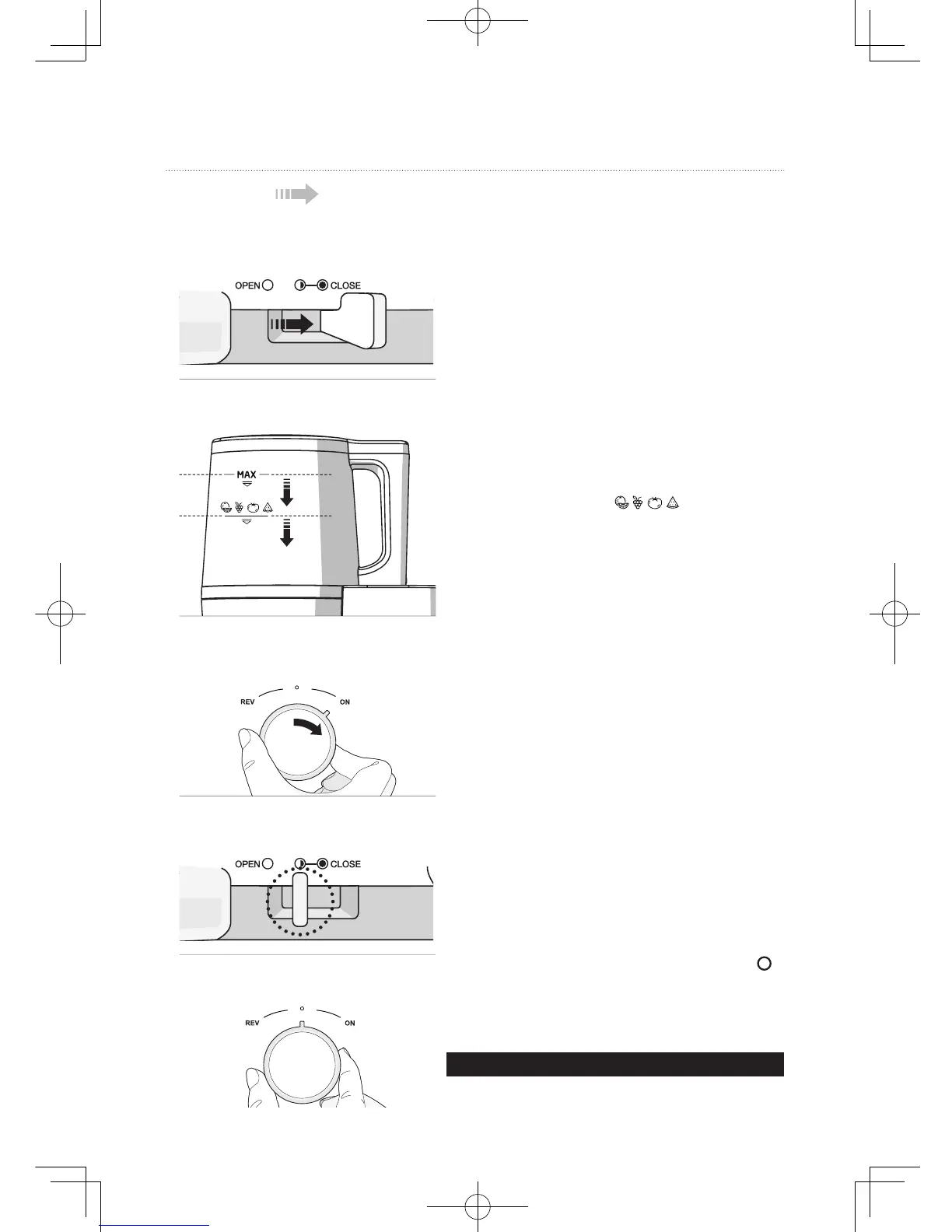
Check the [MAX] and [ ] icons on the side
of the hopper and make sure the ingredients in the
strain the juicer.
Insert the prepared ingredients and close
the lid.
set.
Set the lever to [ ] (Half Open) when all
ingredients go down through the chamber set
and operate until no more pulp comes out of the
juicer.
For safety, the main body does not operate by
itself. It will only operate when it is properly
assembled with the chamber set.
Note
When turning the dial to [ON] or [REV], turn it only after
the screw stops completely.
The chamber may not be assembled onto the
[] position.
For performance and safety, the juicer will not
stop instantly but slow down to a stop when the
dial is turned.
◑
◑
Smart Hopper

 To Next Page
 Loading...