Operation
10
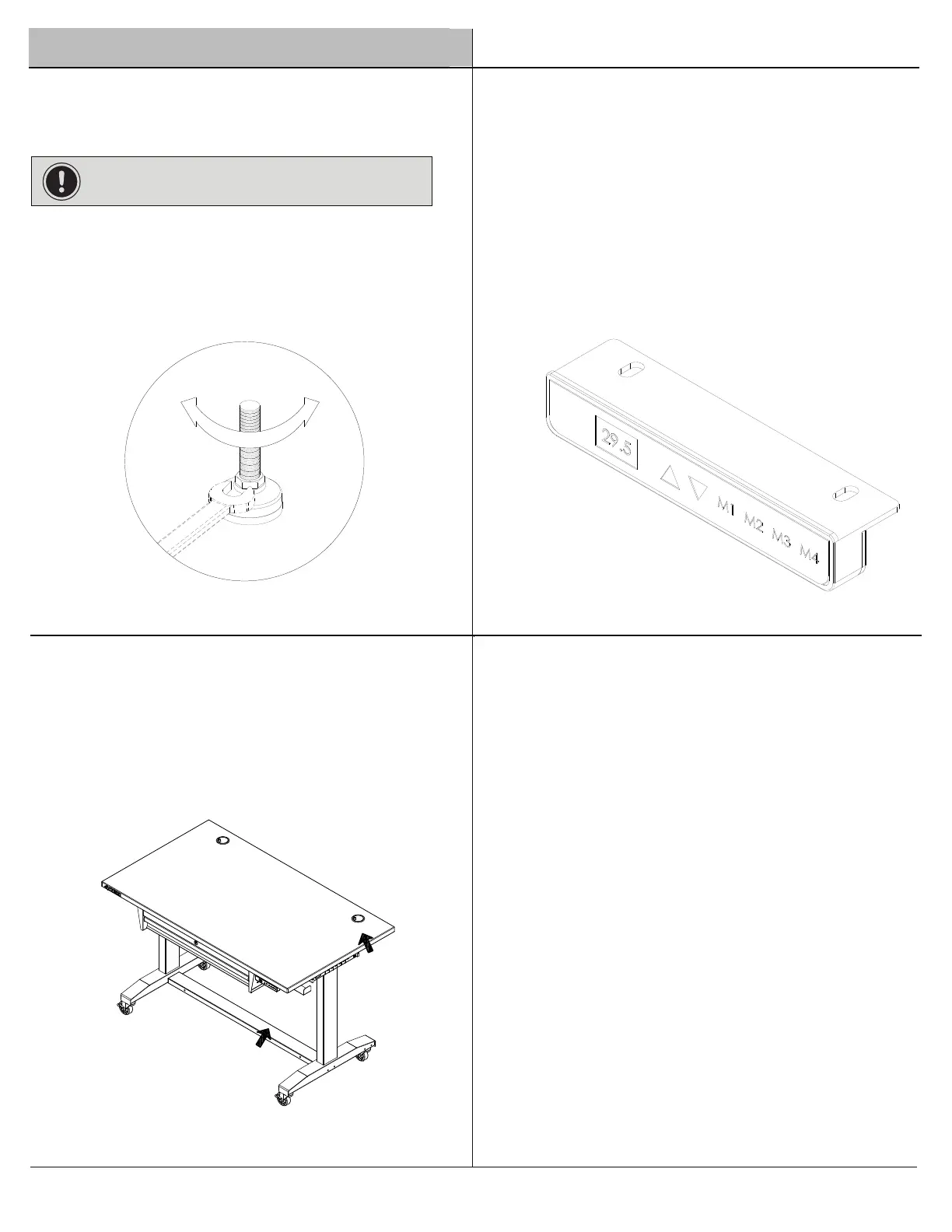
Leveling Foot Adjustment
IMPORTANT : Ensure there is no weight on top of the
table before leveling.
1
To raise the table surface, press the up button until it reaches
reaches the desired height or the lowest position.
To lower the desk surface, press the down button until it
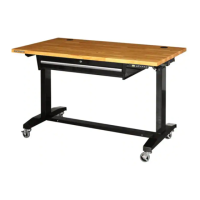
Adjusting the height of the wood top
the desired height or the highest position.
□
□
2
save a preferred height, raise the work surface to the desired
height and then press and hold any of them for three seconds until the
□
red light flashes three times. When the light turns blue, the setting
has been saved. Saved heights can be readjusted at any time.
M1to M4 buttons are for saving working heights for the table. To
Please connect with electricity before operation.
□
Please unplug before moving the desk. The desk top will
be lifted up a little bit if you move the desk by holding the
wood top. It is suggested to hold the bottom leg by one
hand and hold the wood top by the other hand.
Moving the desk
3
□
□
Adjust each leveling foot (J) to the desired elevation with
□
Turn the lock nut counterclockwise to elevate and clockwise
a 5/8 in. wrench as shown.
to lower the leveling foot.


 To Next Page