SET Safe-NET TIME
Safe-NET is the electronic controller that
regulates the cooling system. Before Safe-NET
can operate correctly, the internal clock must
be set. This will allow it to regulate the system
for defrost at convenient times of the day
around your location’s schedule — when you
are not at the busiest serving times.
The Chill Chamber’s Safe-NET comes preset
with two defrosts per day. In most situations
this will be enough defrosts unless the unit is
operated in non-air conditioned environments
or high humidity locations.
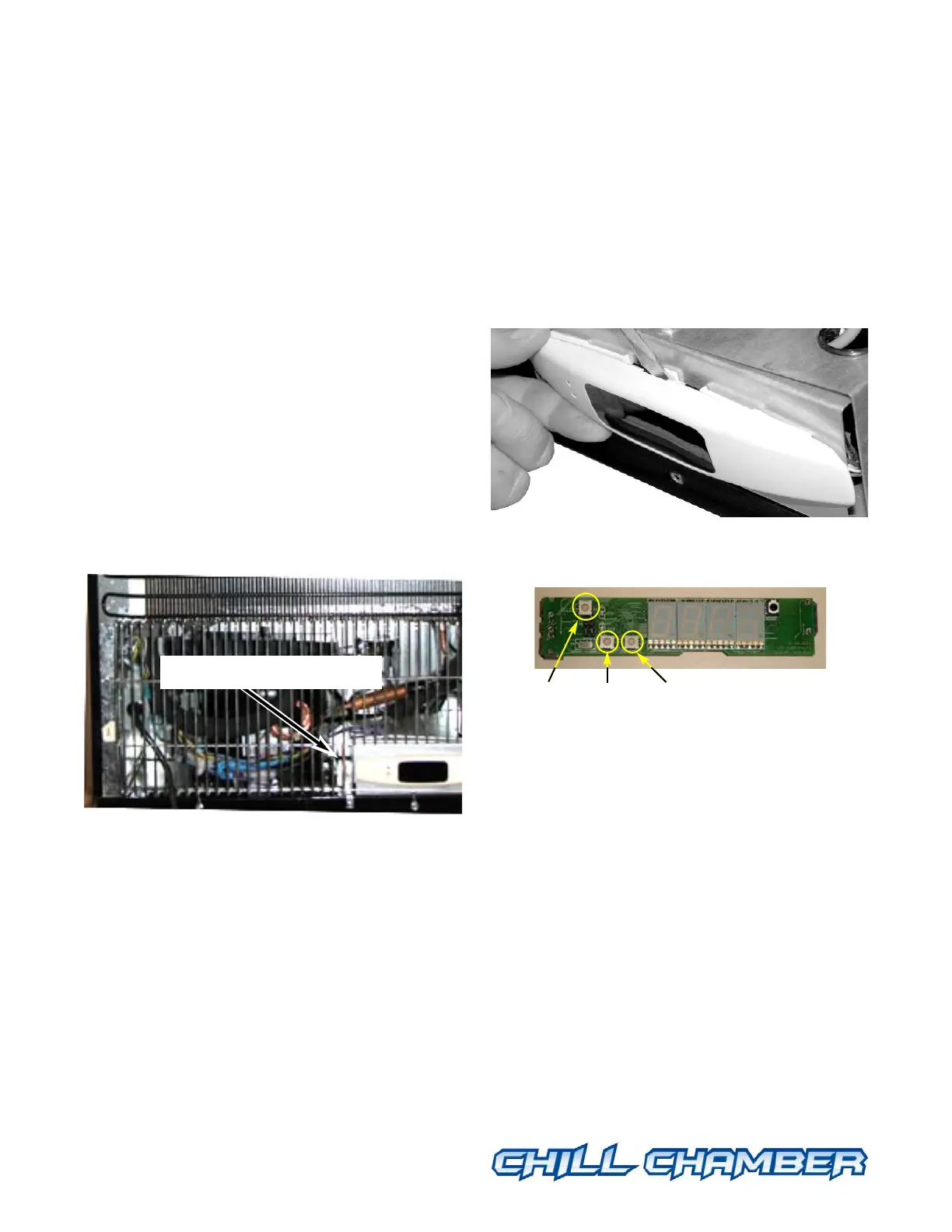
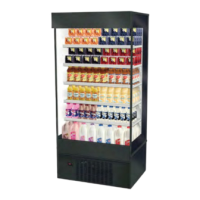
The Safe-NET on the MAXI-140 is located
behind the back grille below the condenser coil.
When you plug in the Chill Chamber you
should see the text “Safe-NET” scroll across
the display.
• Open the Safe-NET controller using a small
flat blade screwdriver to pop off the oval cover
(this may be tight).
• Plug in the MAXI-140. Be careful of
moving parts in the compressor compartment.
• You will see three buttons on the control
board as shown in this photo.
The SELECT button is used to scroll through
menus, and to edit/confirm values. Use the UP
or DOWN button to move to the next item in
the menu or change the value of a parameter.
Three Button Rules
• Always start by pushing and releasing the
SELECT button, watch what is displayed.
Which menu are you in?
— StUP — CLOC — DEFr — tEM —
VALv — DiSP — and cycles back to StUP
©2007 HUSSMANN CORPORATION • BRIDGETON, MO 63044-2483 U.S.A.
U.S. & CANADA 1-800-504-4828 • WWW.CHILLCHAMBER.HUSSMANN.COM
5
P/N 31033596_B
01 June 2007
™
MAXI-140
™
MAXI-140
™
MAXI-140
™
MAXI-140
™
MAXI-140
™
Safe-NET Controller
SELECT
Button
UP
Button
DOWN
Button



 To Next Page