EasyManua.ls Logo

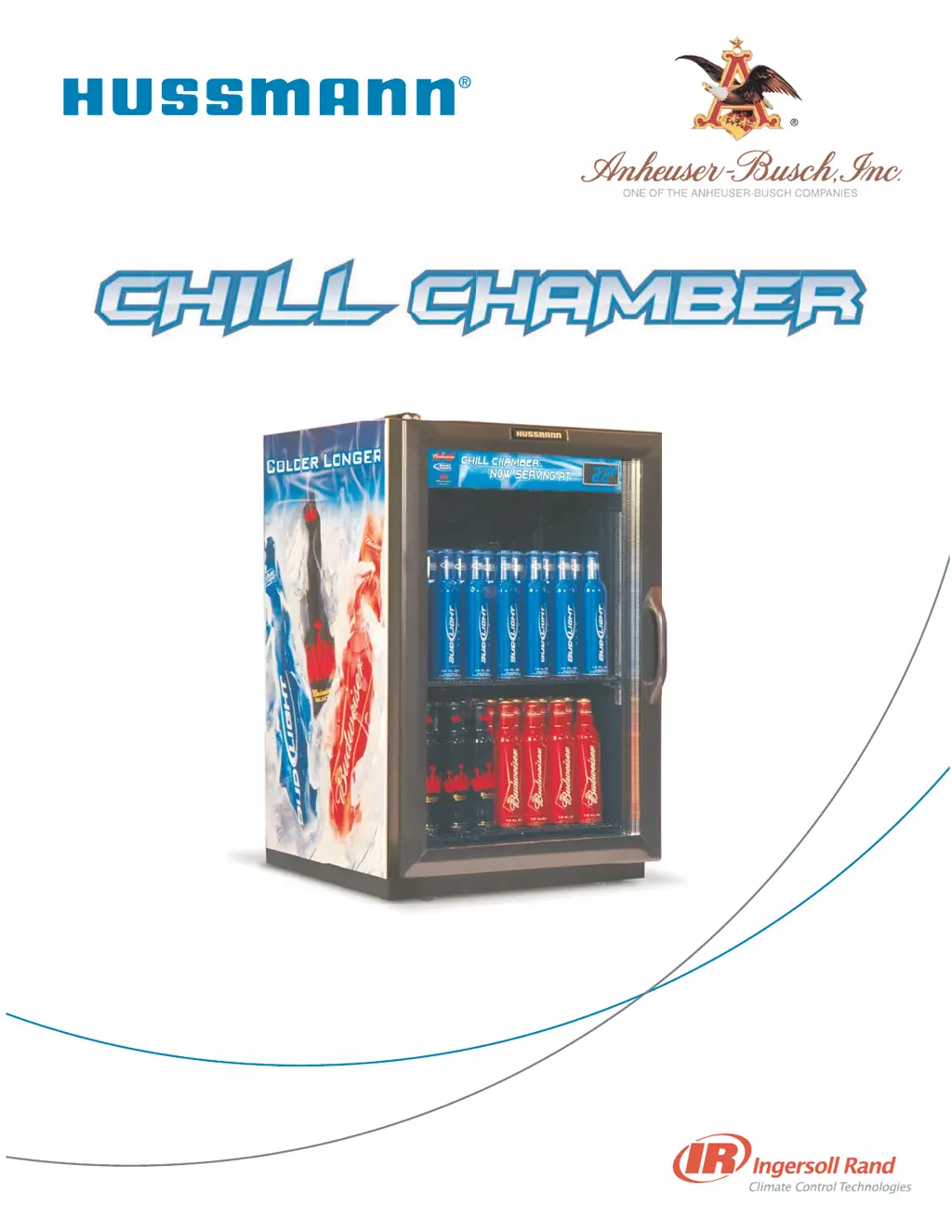
Hussmann MAXI-140 - User Manual

Hussmann MAXI-140
20 pages
Print Icon
To Next Page IconTo Next Page
Loading...
MAXI-140
Operator’s Manual
P/N 31033596_B
01 June 2007

Questions and Answers

  • T
    Timothy ShieldsJul 30, 2025
    What to do if my Hussmann Merchandiser does not turn on?
    • H
      Heather DouglasJul 30, 2025
      If your Hussmann Merchandiser does not turn on, first ensure the plug is properly inserted into the outlet. If the contact at the outlet seems poor, remove and reinsert the plug; if this doesn't establish a good connection, have a licensed electrician replace the outlet. In case of a power outage or tripped circuit breaker, unplug the unit until power is restored or the breaker is reset. Note that Safe-NET controller settings are retained for at least five days, but a power surge can cause damage. If the voltage is low, consider installing a voltage regulator.
  • J
    Jordan RobinsonAug 9, 2025
    Why is my Hussmann Merchandiser slow to cool product?
    • J
      jaclyn76Aug 9, 2025
      If your Hussmann Merchandiser is slow to cool product, start by cleaning the condenser coil. Ensure there is adequate airflow around the unit by repositioning it to provide space on all sides. Check if the evaporator is blocked by ice and verify that the door is sealing completely. If you're experiencing heavy use in high humidity, reset the Safe-NET controller to increase the frequency of defrosts. Remember that loading the unit with warm product will extend the cooling time.
  • J
    John CarneyAug 18, 2025
    How to fix unusual noise coming from Hussmann MAXI-140 Merchandiser?
    • R
      Robert SmithAug 18, 2025
      If your Hussmann Merchandiser is making unusual noises, first, make sure the unit is level by repositioning it. Check whether the unit is contacting any surrounding structures and, if so, reposition it to create space on all sides. Also, verify that the rear grille is securely fastened to reduce noise.

Summary

Safety First

Location

Discusses optimal placement and ambient conditions for the Chill Chamber.

Caution

Lists safety precautions to reduce risk of fire, electrical shock, or injury.

Inspection and Uncrating

Apparent Loss Or Damage

Procedure for reporting visible shipping damage to the carrier.

Concealed Loss Or Damage

Procedure for reporting hidden shipping damage within 15 days.

Uncrate

Instructions for safely removing the unit from its packaging.

Leveling and Electrical Connection

Level

Importance and procedure for ensuring the unit is level for optimal operation.

Plug In

Guidelines for connecting the unit to a dedicated electrical circuit.

Light Switch

Location and function of the interior and exterior lighting switch.

Installation Details

Install Shelves

Instructions on how to install the upper and lower shelves.

Door Hinges

Details on adjusting the door hinges for a proper seal.

Safe-NET Controller Setup

Set the Clock

Step-by-step guide to setting the unit's internal clock using the Safe-NET controller.

Enter the Pass Code

Instructions on how to access settings using the Safe-NET controller's pass code.

Defrost Settings

Set Defrost Time

Guide to setting custom defrost start times via the Safe-NET controller.

Change Standard Defrost Time

Instructions for adjusting defrost frequency and timing based on business needs.

NDEF Parameter

Parameter for setting the number of defrost cycles per 24-hour period.

Loading Product

Maintenance Procedures

Condenser Coil Cleaning

Maintenance instructions for cleaning the condenser coil to ensure efficiency.

Lamp Replacement

Steps for replacing fluorescent lamps in the canopy display.

Removing Shelves

Detailed steps for removing and reinstalling the unit's shelves.

Cleaning Under the Unit

How to clean the area beneath the unit, especially if it has optional legs.

Operating Tips

Troubleshooting

Warranty Information

Basic Warranty

Covers defects in material and workmanship for twelve months.

Extended Warranty

Option to extend warranty coverage up to a total of 60 months.

Patent Warranty

Hussmann's warranty regarding patent infringement.

Hussmann MAXI-140 Specifications

General IconGeneral
BrandHussmann
ModelMAXI-140
CategoryMerchandiser
LanguageEnglish

Related product manuals