72
• Select ‘un-ticked’ (disabled) for any of the ‘standard plumbing’ schemes.
or
• Select ‘ticked’ (enabled) for the non-standard plumbing scheme.
(IDT will provide a warning, as ports within Pegasus2 are re-purposed and the
user must confirm that the installation follows the non-standard plumbing
scheme).
Caution: This setting is used only in very rare cases where the aim is to cut off
the water supply during certain times of the day.
*** For more details refer to section 2.12.5 (and subsections). ***
IDT App users:
Equivalent controls are located as follows:
(main) → Configure Device → Control Settings
→ General tab.
Check the current setting.
If required, tap the line, and make the required
selection.
Once triggered, Pegasus2 will remain in a latched state until the outlet pressure
changes (see below) or the target pressure itself changes.
• For standard plumbing and operation, ‘Latch on High unreachable’ setting:
Typically, the latch circuit activated because inlet pressure was low, but if it recovers
such that the outlet pressure is at least 2m above target pressure. Pegasus2 will
de-activate the latch valve and resume control via the pilot.
• For non-standard plumbing and operation, ‘Latch on Low unreachable’ setting:
Typically, the latch circuit activated because the target pressure was set to be 0m
during that part of the day. ‘When the target pressure is increased (to resume water
supply) the outlet pressure is now at least 2m below the target pressure. Pegasus2
will de-activate the latch valve and resume control via the pilot.
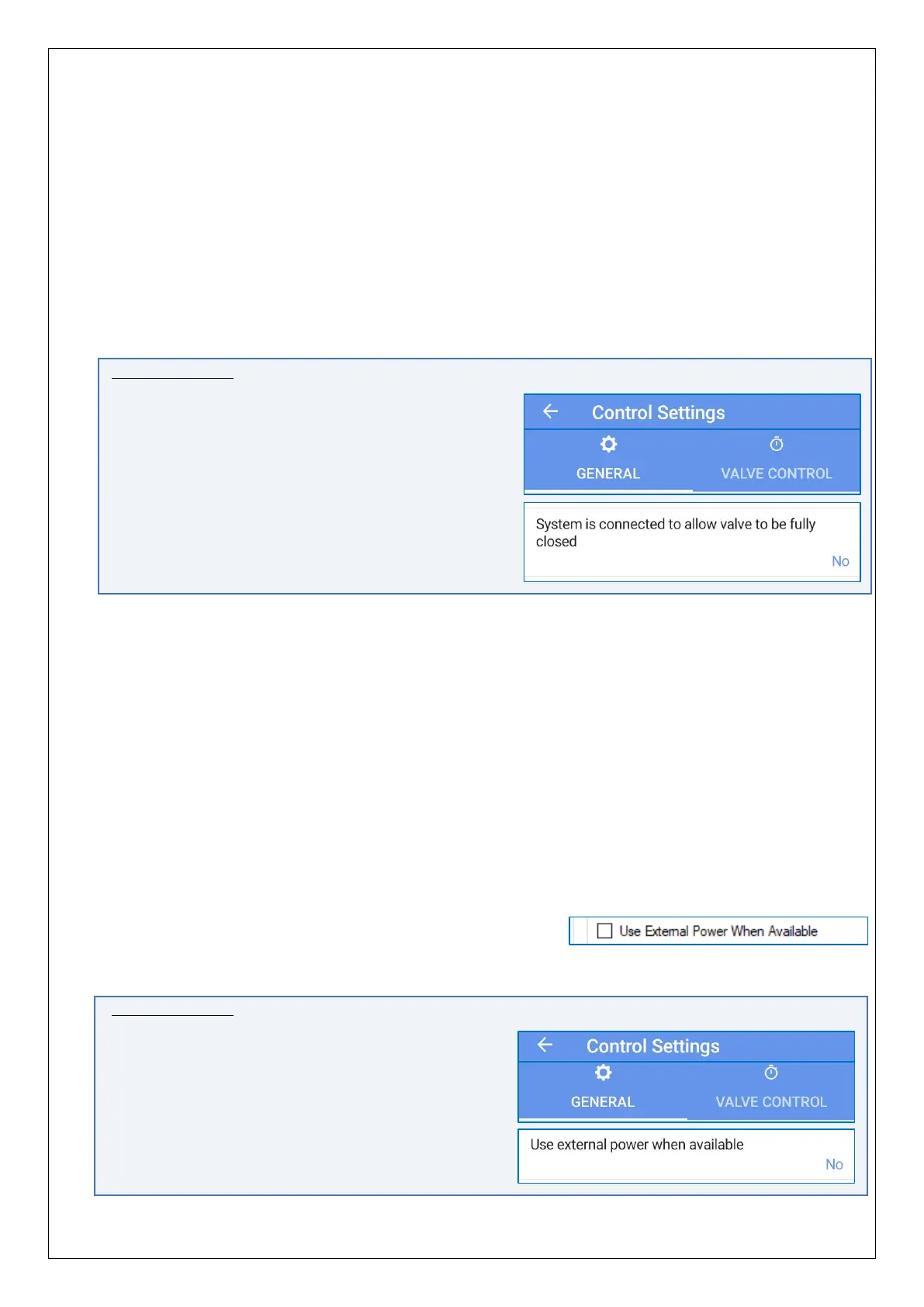
The “Use External Power When Available” option can
be set to allow the solenoid box to share any external
power provided to the Control box. (i.e. power from any external battery unit).
IDT App users:
Equivalent controls are located as follows:
(main) → Configure Device → Control Settings
→General tab.


 To Next Page
 Loading...
