~3~
1.Put accessories well and connect them to the host.
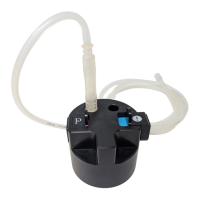
( 1 )I ns er t t h e bi g d i am et er tr an sp ar en t t ub e of Va cu um
dermabrasion handle or Vacuum SPA handle into [5] jack.
(2)Insert the small diameter transparent tube of Vacuum
dermabrasion handle or Vacuum SPA handle into [6] jack.
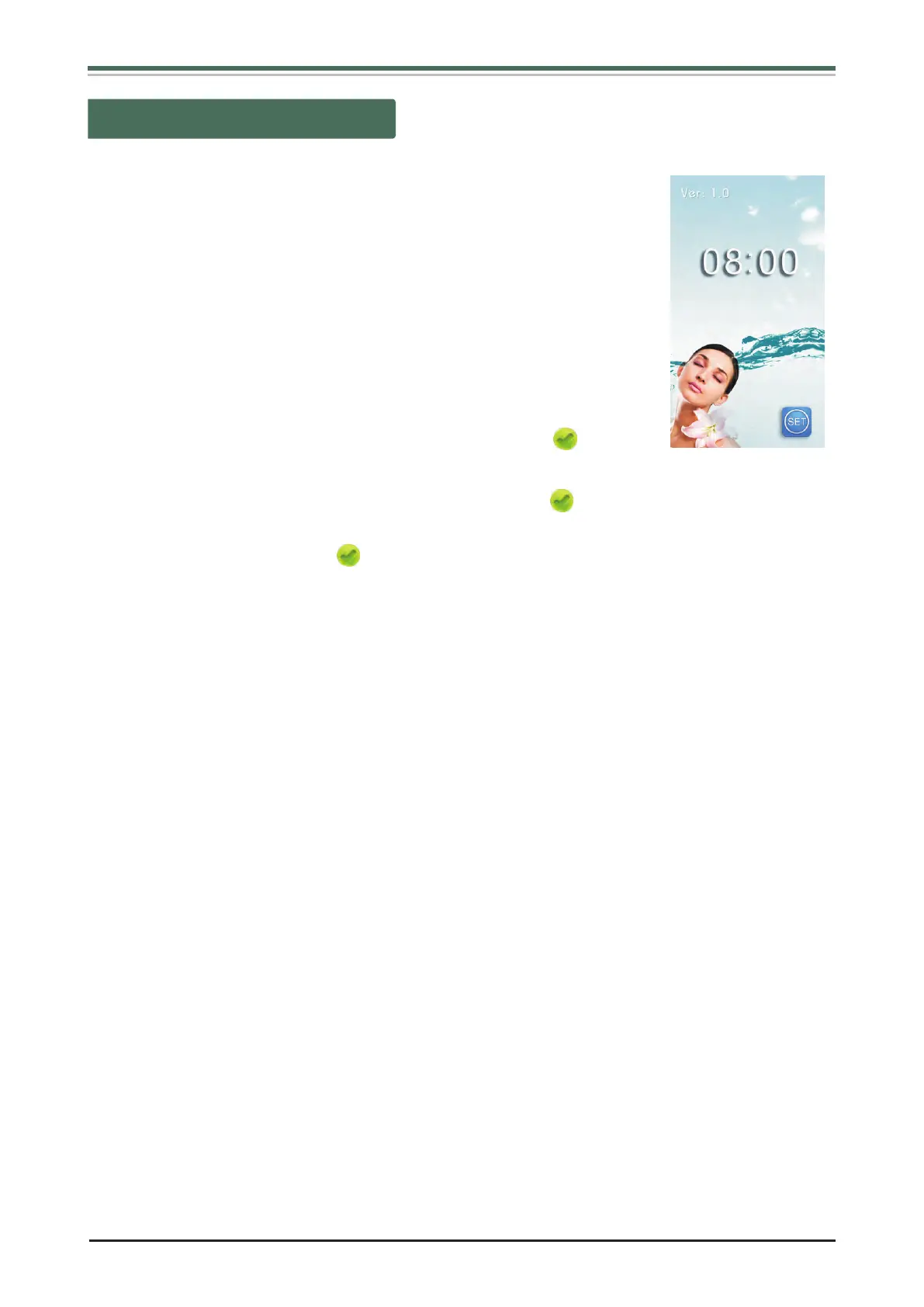
2.Insert the plug of Power supply line into [14] socket, turn on
Power switch [15], the system enter into in standby states as
(Fig 1).
3.In the interface as (Fig 1) shows:
(1)Turn [2] Function selecting knob, when the cursor “ ” move to
“Picture” , Press [2] confirming button to enter interface as (Fig 2).
(2)Turn [2] Function selecting knob, when the cursor “ ” move to “SET” , then press [2]
confirming button to enter “set interface” . “Basic setting” choose output language.
When the cursor move to “ ”, return to interface as (Fig 1).
NOTICE: “Advanced setting” is only for manufacturer, Users do not use.
(Fig 1)
Basal Operation


 To Next Page