23
Notice : During the parameter checking and setting, press the to quick-exit and save the current setting .
Press again to turn on/off the machine.
6.2.2 button
Automatic mode:
Press for 5 seconds to switch to automatic mode.(default:Smart mode)
Press for 5 seconds again to exit automatic mode and switch to heating mode(default:Smart mode)
Note:Under Automatic mode, it is useless to set parameter P1 .
Operation logic of Auto Mode:
Set water temperature
(Tset)
Current water in
temperature
(Tset +2 )℃
Current working
mode
After 3 minutes or
above, it will switch to
Tset (eg: 28 )℃ Tset +2 (eg:30 )℃ ℃ Heating mode
Cooling mode
Tset (eg: 28 )℃ Tset-2 (eg: 26 )℃ ℃ Cooling mode Heating mode
6.2.3 and button
Clock/unclock the display:
Hold and for 5 seconds to lock/Unlock the display.
Water temperature setting :
Press or to set the water temperature directly.
Parameter checking :
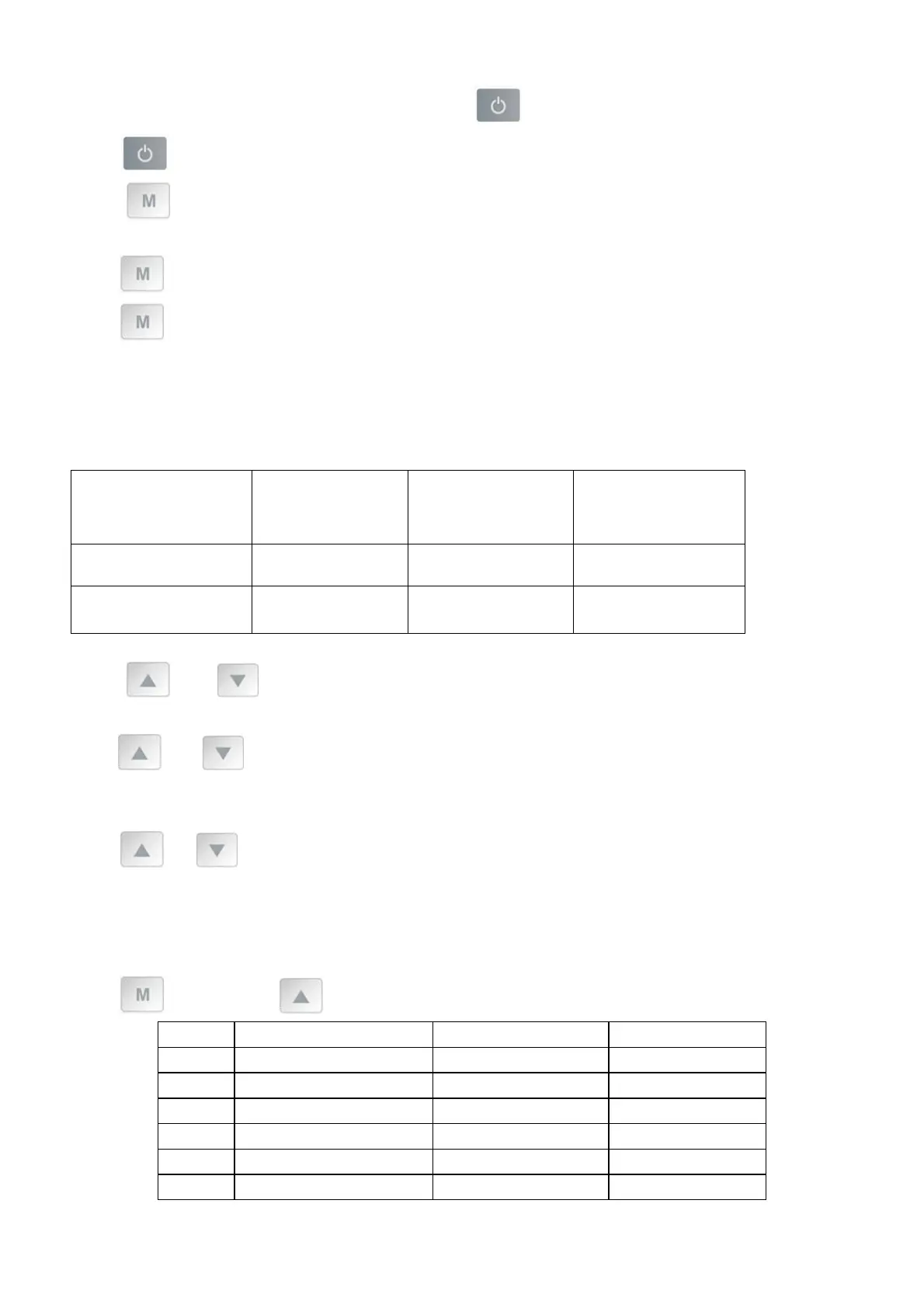
Press first, then press to check the “ User parameter from d0 to d11
Code Condition Scope Remark
d0 IPM mould temperature
0-120℃
Real testing value
d1 Inlet water temp.
-9℃~99℃
Real testing value
d2 Outlet water temp.
-9℃~99℃
Real testing value
d3 Ambient temp.
-30℃~70℃
Real testing value
d4 Frequency limitation code 0,1,2,4,8,16 Real testing value
d5 Piping temp.
-30℃~70℃
Real testing value


 To Next Page
 Loading...