27
SETTINGS KEY
From the home page you can access the
Sengs, where you will find:
· Water Care
· Maintenance
· Day & Time
· Keypad
· Sengs
· Miscellaneous
· Electrical Configuraon
· About
Use the icon keys to scroll up and down in the list.
To select an opon, press the text.
At any point you can press the Spa Funcon icon to
return to the home screen.
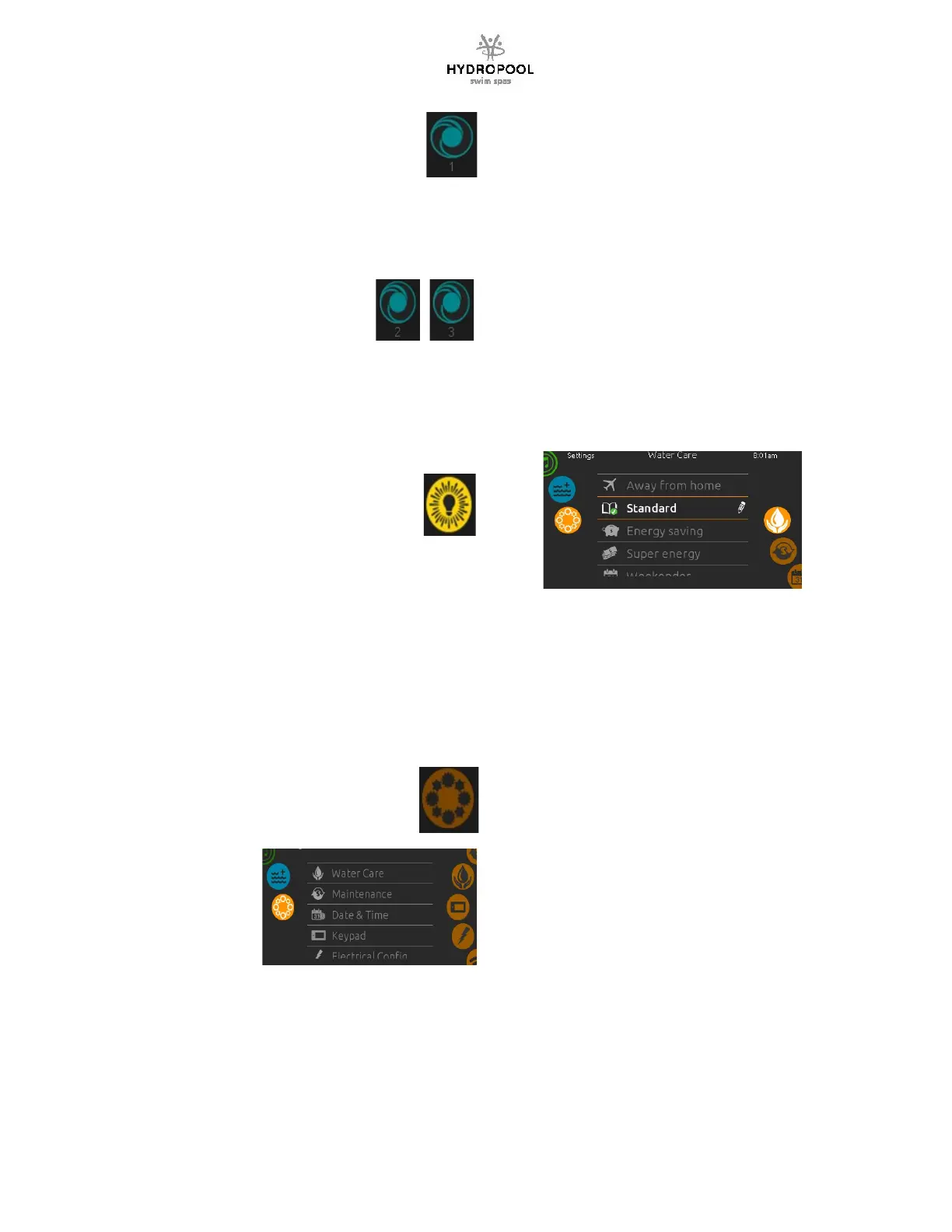
PUMP 1 FUNCTION
Press this pad to acvate the pump
1st press – high speed (icon rotates fast)
2nd press – turns off
PUMP AUTOMATIC TIME-OUT
High speed – 15 minutes
WATER CARE
The Water Care secon will help you set up your
ideal filtraon and heang sengs. Choose from
Away, Beginner, Energy Savings, Super Energy
Savings and Weekender, depending on your
needs.
Use the Light key to choose your seng. A
checkmark will appear on the selected icon to
confirm.
In Energy Savings mode, the set point will be
reduced by 20
o
F (11°C), which means that the
heang system will not be engaged unless the
temperature falls to 20
o
F (11°C) below the spa’s
set temperature.
Water Care Modes:
Away:
In this mode the spa will always be in economy;
the set point will be reduced by 20
o
F (11°C) and
the filtraon can be reduced.
Beginner:
The spa will never be in economy mode, and will
run a normal 24 hours of filtraon a day.
Energy Savings:
The spa will be in economy mode during the peak
hours of the day and resume normal mode on the
weekend.
Super Energy Savings:
The spa will always be in economy mode during
peak hours, every day of the week.
Weekender:
The spa will be in economy mode from Monday to
Friday, and will run normally on the weekend.
PUMP 2 & 3FUNCTION
(if included)
Press this pad to acvate the pump
1st press – high speed (icon rotates fast)
2nd press – turns off
PUMP AUTOMATIC TIME-OUT
High speed – 15 minutes
LIGHT FUNCTION
Press this pad to acvate the light
1st press: rotang colours
2nd press: solid blue colour
3rd press: solid green colour
4th press: solid red colour
Note: Pressing the light key in intervals less than
three seconds will scroll to the next colour. Once
you have selected the colour another press will
turn the light off.
LIGHT AUTOMATIC TIME-OUT
Time out – 60 minutes




 To Next Page