5
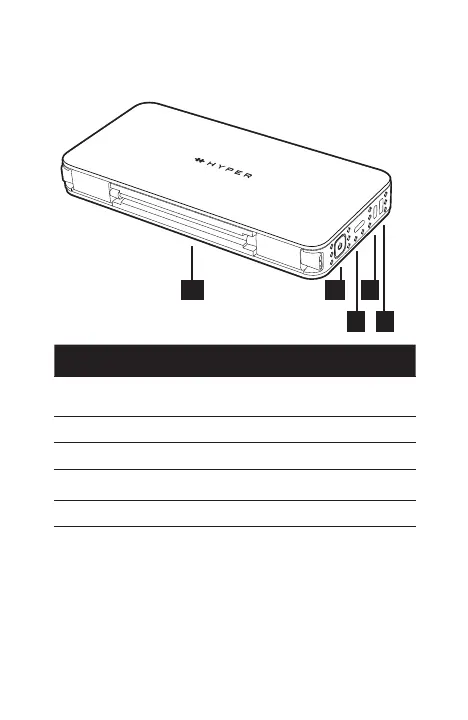
Item Description
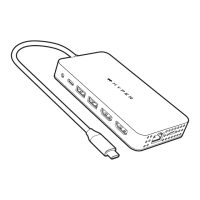
10. USB-C to USB-C Cable
Connects to Dock USB-C
Host Port & host computer
11. Power Button On/O button
12. USB-C Host Port Connects to a host computer
13. K Nano Lock Kensington Nano Security Slot
14. K Lock Kensington Security Slot
Powering the Dock and LED Indication
The HyperDrive Next 10 Port Business Class USB-C
Dock can be powered by external USB-C PD charger or
DC power adapter. The LED light lit up when the power
source is plugged into it.
11
12
14
10
13


 To Next Page