22
2. CABLE REMOVED WHILE PROGRAMMING
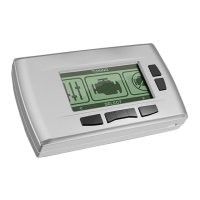
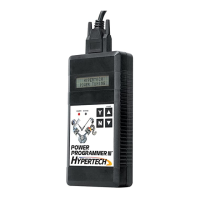
• The programmer will lose power during programming if
the cable is removed for any reason. If this happens, simply
reconnect the cable and press the
▲ arrow. The programmer
will identify your vehicle and then display:
• The programmer will then continue programming from where
it was interrupted.
NOTE: If the programmer was interrupted during the
Reading stage, programming will NOT be considered
interrupted, and the programmer will proceed to
Section 3 on page 10.
3. ATTEMPTING TO PROGRAM A DIFFERENT VEHICLE
• If you attempt to program the computer in another vehicle
without first programming the original vehicle back to stock,
the following screen will appear:
4. CALIBRATION NOT FOUND
• If your vehicle has a factory program that is not recognized by
the programmer, it cannot continue. This screen will appear:
•
Call Hypertech at the provided phone number on the programmer
screen. Please have your vehicle VIN number ready. The Hypertech
technical staff will instruct you what to do.
PROGRAMMING WAS
INTERRUPTED...
PROGRAMMING WILL
CONTINUE NOW
CODE 91: PROGRAM YOUR VEHICLE BACK TO STOCK BEFORE
PROGRAMMING ANOTHER VEHICLE
CODE 6D:
CAL NOT FOUND


 To Next Page