
 Need help?
Do you have a question about the HyperX Alloy FPS and is the answer not in the manual?
Select onboard memory profiles using FN + F1, F2, F3 keys.
Control media playback with FN + F6, F7, F8 keys.
Adjust audio volume using FN + F9, F10, F11 keys.
Enable Game Mode to disable Windows key using FN + F12.
Understand Game Mode, Num Lock, and Caps Lock indicators.
Adjust LED backlight brightness with FN + Arrow keys.
Use the back USB port for mobile phone charging.
Connect the keyboard via the back mini USB port.
 General
| Backlight | Yes |
|---|---|
| Wrist rest | No |
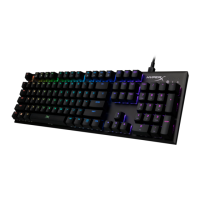
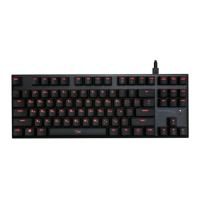
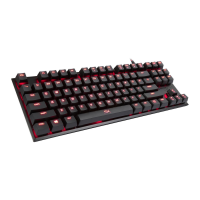
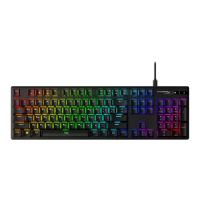
| Product color | Black |
| Backlight type | LED |
| Keyboard style | Straight |
| Backlight color | Red |
| Surface coloration | Monochromatic |
| Connector contacts plating | Gold |
| Purpose | PC/server |
| Rollover | 6-key/N-key rollover |
| Polling rate | 1000 Hz |
| Actuation force | 50 g |
| Keyboard layout | QWERTY |
| Device interface | USB |
| Country of origin | Germany |
| Keyboard language | Spanish |
| Recommended usage | Gaming |
| Key travel distance | 2.2 mm |
| Keyboard key switch | Mechanical |
| Keyboard form factor | Full-size (100%) |
| Connectivity technology | Wired |
| Keyboard keys operating life | 50000000 million characters |
| Keyboard key switch technology | Cherry MX Blue |
| Package type | Box |
| Form factor | - |
| Cable length | 1.8 m |
| USB 2.0 ports quantity | 2 |
 Weight and Dimensions
| Keyboard weight | 1049 g |
|---|---|
| Keyboard dimensions (WxDxH) | 441.65 x 129.38 x 35.59 mm |

 To Next Page