Document No. 480HX-HSCRS001.A01
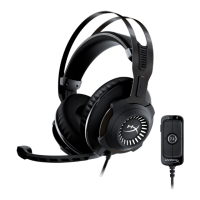
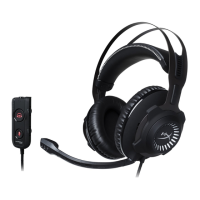
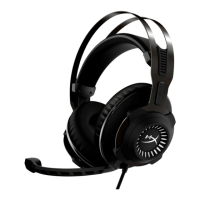
HyperX Cloud Revolver S Headset
Page 17 of 19
Usage (PS4
™
& PS4
™
Pro) with direct 3.5mm connection
To use the headset with PlayStation
™
4 (PS4
™
), connect the 3.5mm plug on the headset
directly to the PS4
™
game controller and follow these steps:
1. Turn on your PS4
™
game console.
2. Navigate to the Settings Menu and select it.
3. Highlight the ‘Devices’ menu option and select it.
4. Scroll down to ‘Audio Devices’ and select it.
5. Choose ‘Output to Headphones’ and select ‘All Audio.’
Using with PS4
™




 To Next Page