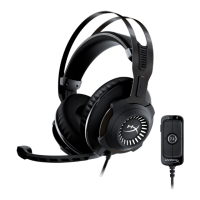
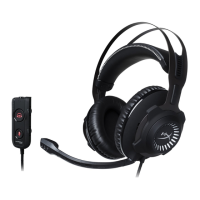
3. With ‘HyperX Cloud Revolver
S’ selected click on the
‘Configure’ button.
4. In the ‘Audio channels’ list
select 7.1 Surround and click
on ‘Next’.
5. In the ‘Optional speakers’ list
make sure all boxes are
checked then click ‘Next’.
6. In the ‘Full-range speakers’ list
make sure all boxes are
checked then click ‘Next’.
7. Click ‘Finish’ to save the
settings.













 To Next Page