Document No. 480HX-KB1001.A01
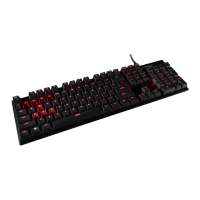
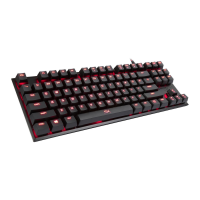
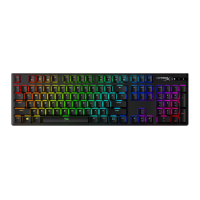
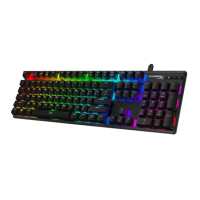
HyperX Alloy FPS Mechanical Gaming
Keyboard
Function Keys:
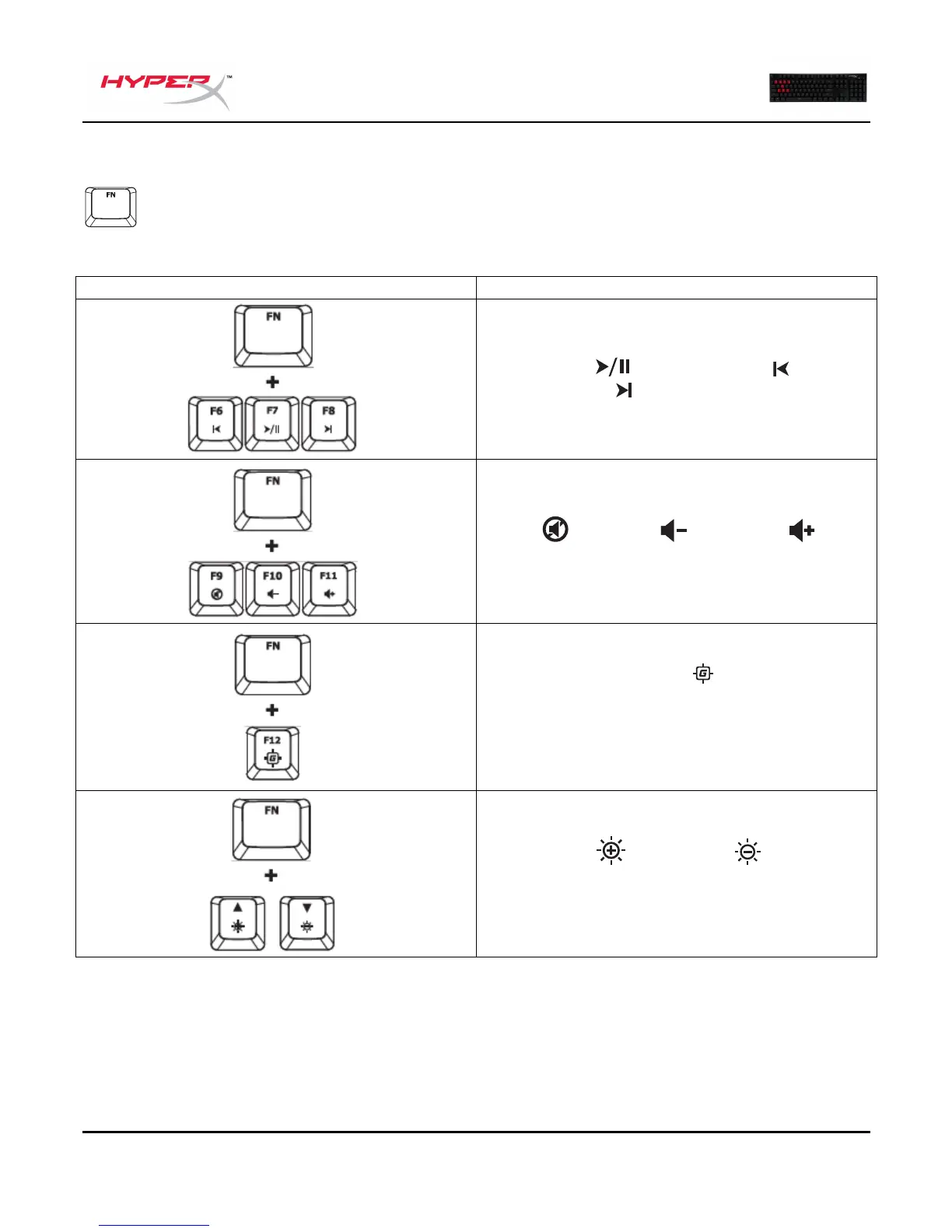
Press “FN” and a function key at the same time to activate its secondary feature.
Play/pause , skip backwards or skip
forward your music or video.
Mute , decrease or increase your
computer audio.
Enable Game Mode to disable the
Windows key and avoid accidental
interruption during gaming. When Game
Mode is enabled the indicator will illuminate.
Increase or decrease the LED
backlight brightness. There are 5 levels of
brightness: OFF, 25%, 50%, 75% and 100%.



 To Next Page
 Loading...