Document No. 480HX-HMIQ1S.A01
Controlling Microphone Monitoring
PC
1. From the Sound control panel, on the
Playback tab, right-click on Speakers
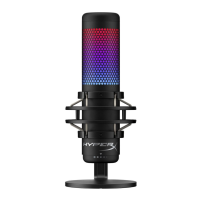
HyperX QuadCast S and select
Properties.
2. On the Levels tab, adjust the Microphone
volume slider to adjust the level of
microphone monitoring.



 To Next Page