12
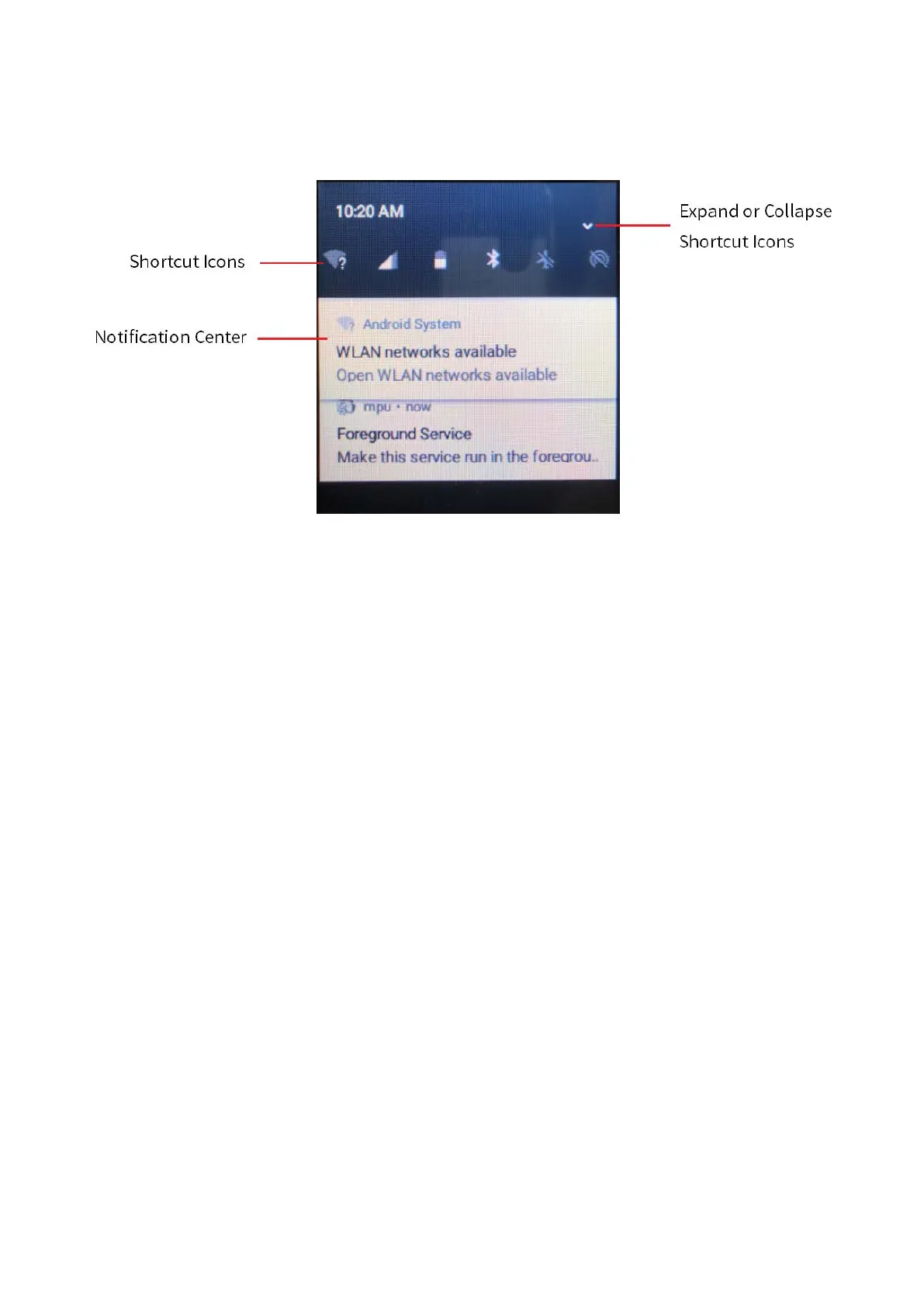
On the main screen, swipe down from the status bar to open the notification center, where you can
adjust brightness, turn on or turn off shortcut switches, open settings, and view or clear notifications.
4.3.3 Sleep and Wakeup
Sleep
In power-on mode, press the
On/Off
key to enter sleep mode. You can also set the sleep time in
Settings > System Settings
; when the sleep time is up, the product enters sleep mode automatically.
Wakeup
When the screen goes off, press any key to wake up the screen.



 To Next Page