35
Tap to reject the call.
Non-foaoroacsu mode: Upon receiving a call, you can answer the call without any operations.
Initiating a Video Private Call
Initiate from the
private contacts
1. Tap
in the home screen to
enter Contacts, and then tap
Privates.
2. Swipe up or down to find the
desired private contact, or tap
to search for the contact.
3. Tap the contact, and enter the
local call details.
4. Set the Default video call as With
sound or Without sound.
5. Tap
to initiate a video
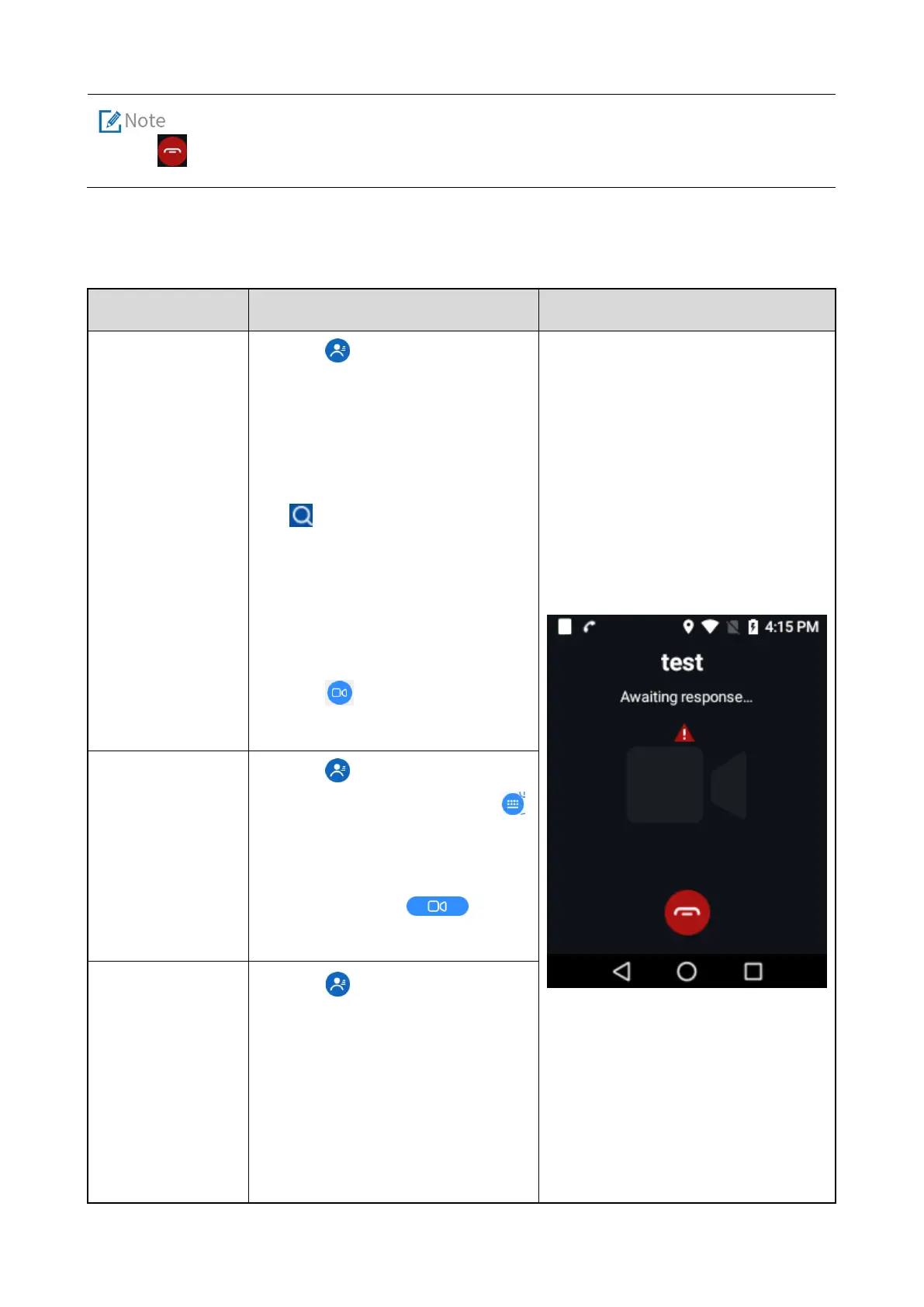
The called party, call duration and
video are displayed in the interface.
Initiate from the
dial pad
1. Tap
in the home screen to
enter Contacts, and then tap
to open the dial pad.
2. Dial the desired private contact
number, and tap
to
initiate a video private call.
Initiate from the
dial records
Tap in the home screen to
enter
Contacts
, the dial records
are displayed.
2. Swipe up or down to find the
private contact which you
initiated a video private call



 To Next Page