43
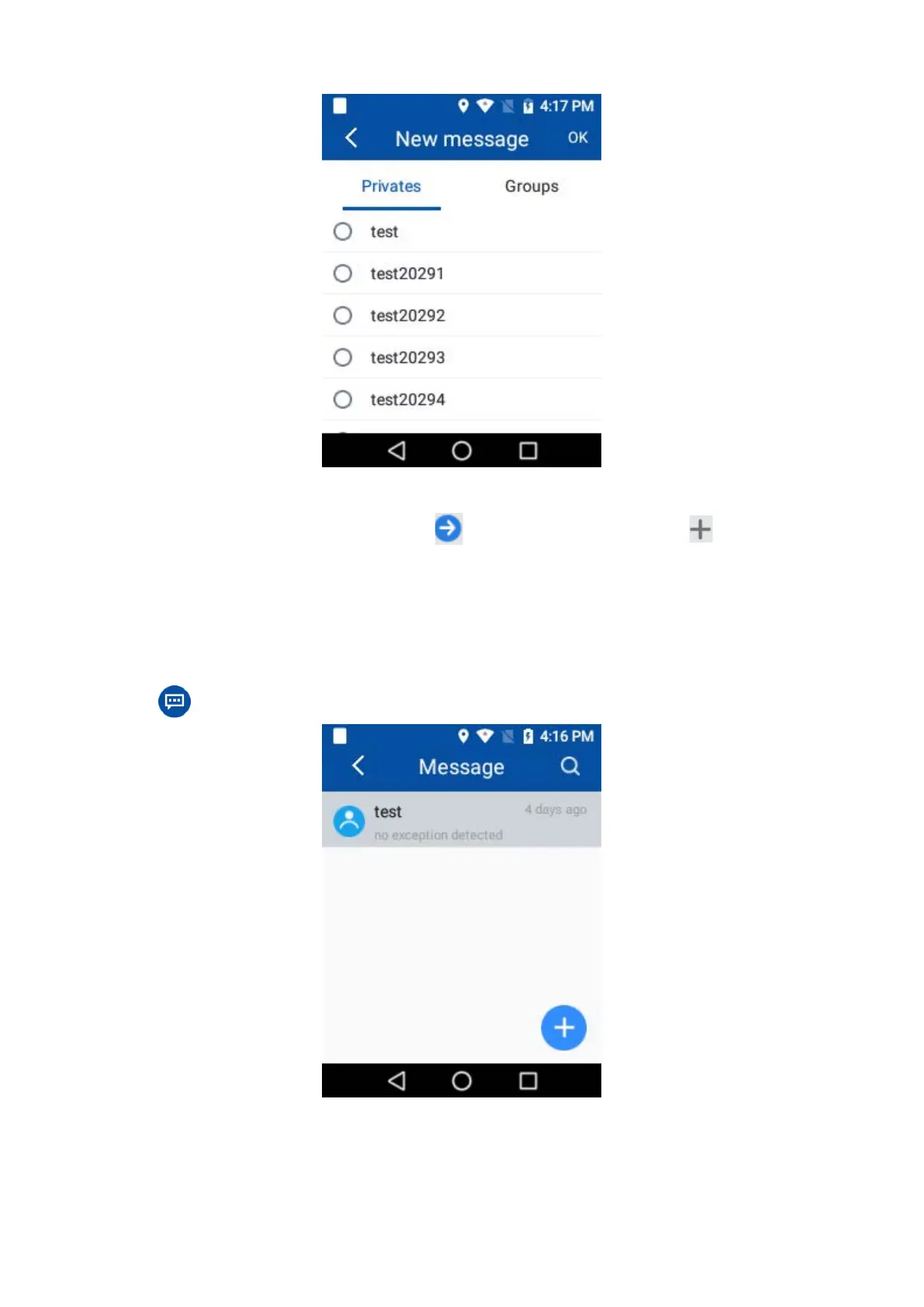
Enter an existed session: tap an existed session to enter it.
3.
Enter text content in the text box and tap
to send text message; or tap and select from
Picture
,
Video file
,
Other file
,
Status
or
Audio file
to choose corresponding files and tap
Send
to
send the multimedia content.
7.4.2 Viewing an SMS/MMS
1.
Tap to enter the messages.
2.
Tap an unread message to view it.



 To Next Page