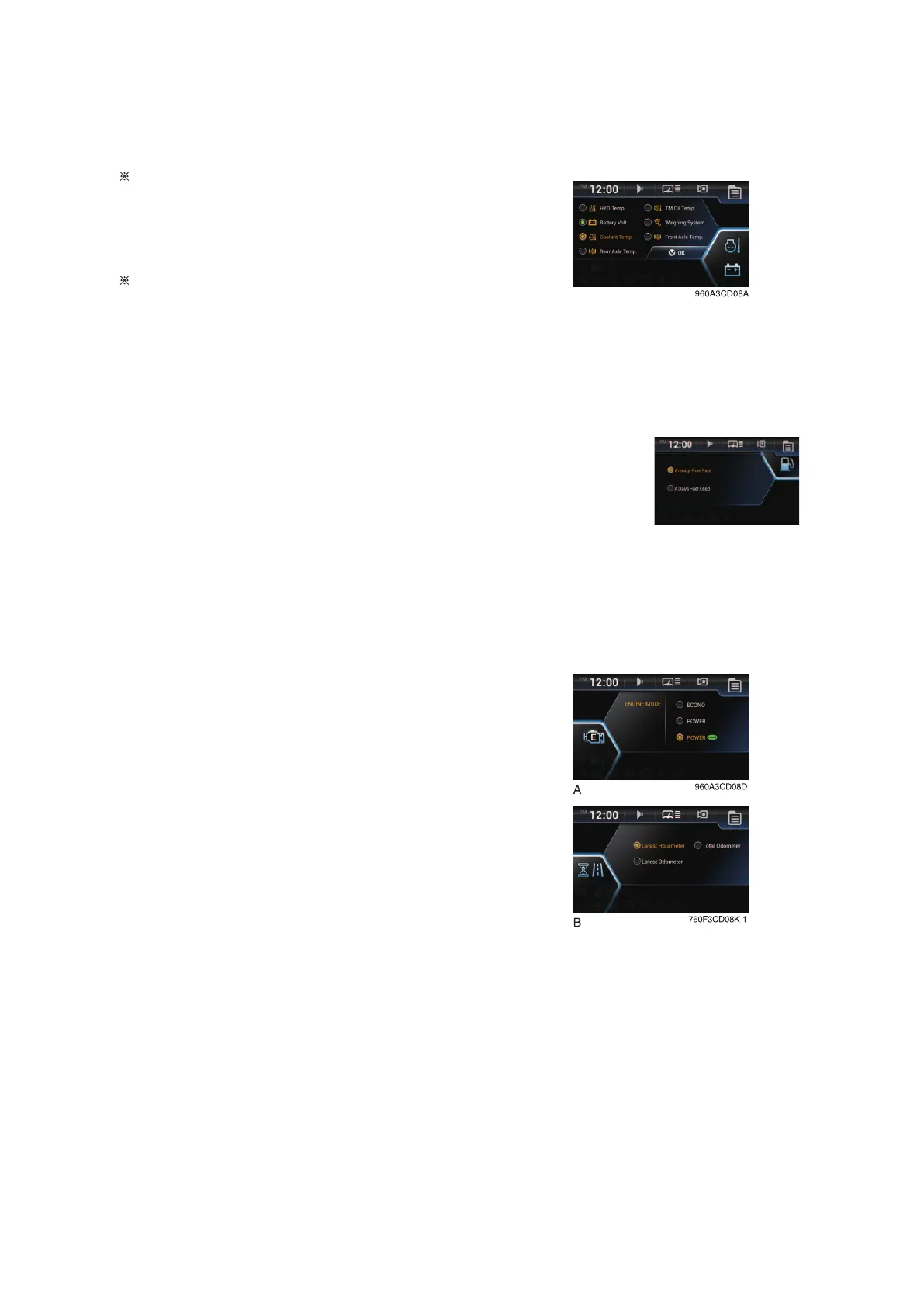
Machine monitoring
To display the item in the main display, select two items of them.
Priority in the machine monitoring display
The priority of the weighing system is the high-
est.
If the weighing system is selected, the other
items are not available.
To display the other items, the weighing system
should not be selected.
Weighing system: see page 3-24.
a. Machine monitoring
Fuel rate
• Set average fuel rate or a days fuel used on main display screen.
• Refer to page 3-33.
a. Fuel rate
Engine mode and operation history
• Set the engine mode (A).
• Refer to page 3-22.
• Set Hour meter / ODO meter (B).
• Refer to page 3-32.
a. Engine mode
3-17


 To Next Page