EasyManua.ls Logo

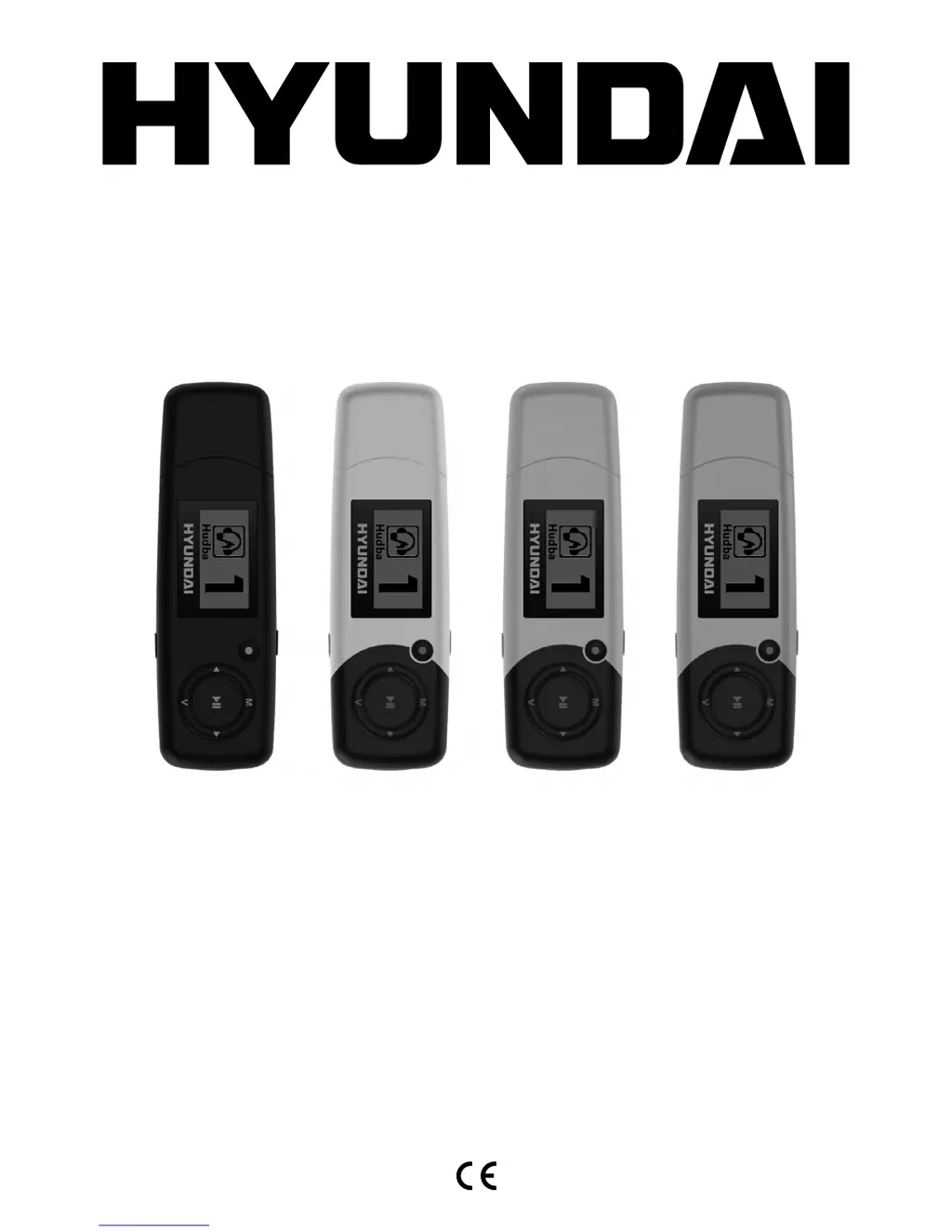
Hyundai MP 366 FM - User Manual

Hyundai MP 366 FM
40 pages
Go to English
Print Icon
To Next Page IconTo Next Page
Loading...
MP 366 FM







Questions and Answers

  • A
    Ashley ParkerAug 10, 2025
    How to fix a Hyundai MP3 Player that won't turn on?
    • P
      Paul BallAug 10, 2025
      If your Hyundai MP3 Player isn't working, here are a few things to check: * Ensure the battery has sufficient charge. * Verify that the power button is turned on. * Confirm the volume isn't muted or set too low. * Check that the earphones are properly connected. * Make sure the device contains valid music files. * Confirm that the USB disk format is the correct FAT type.
  • D
    Deborah BradyAug 16, 2025
    What to do if my computer doesn't recognize my Hyundai MP 366 FM?
    • E
      Elizabeth PrattAug 16, 2025
      If your computer isn't recognizing your Hyundai MP3 Player when you connect it, make sure the USB cable is correctly connected. If you're using MS Windows 98, properly reinstall the CD driver.
  • B
    Breanna JohnsonAug 22, 2025
    Why is the FM radio signal not clear on my Hyundai MP3 Player?
    • C
      codymillerAug 22, 2025
      If the FM radio signal on your Hyundai MP3 Player is not clear, try readjusting the position between the device and the earphone. Note that the earphone can be used as an antenna to receive the signal.
  • M
    michelle29Aug 28, 2025
    What to do if my Hyundai MP 366 FM is not recording?
    • M
      Ms. Lindsey SmithAug 28, 2025
      If your Hyundai MP3 Player isn't recording, ensure that the internal memory is sufficient and check the battery level.
  • T
    thomas28Sep 3, 2025
    How to fix strange characters displayed on my Hyundai MP3 Player?
    • A
      Ashley CarterSep 3, 2025
      If your Hyundai MP3 Player is displaying strange characters, ensure that the correct language is selected in the settings.

Summary

Important Notice

Button and Functionality

Expansion Card Features

Power On and Off

Instructions for powering the device on and off.

Battery Information

Music Mode Operations

Music Playback Controls

How to play and pause music tracks.

FM Radio Mode

Record Mode

Troubleshooting Common Issues

Device Not Working

Solutions for the device not powering on or functioning.

Computer Connection Problems

Troubleshooting computer connection and file transfer issues.

Hyundai MP 366 FM Specifications

General IconGeneral
Display TypeLCD
Supported FormatsMP3, WMA
FM RadioYes
Voice RecordingYes
ConnectivityUSB 2.0
USBYes
BatteryBuilt-in rechargeable
Playback TimeUp to 10 hours

Related product manuals