EasyManua.ls Logo

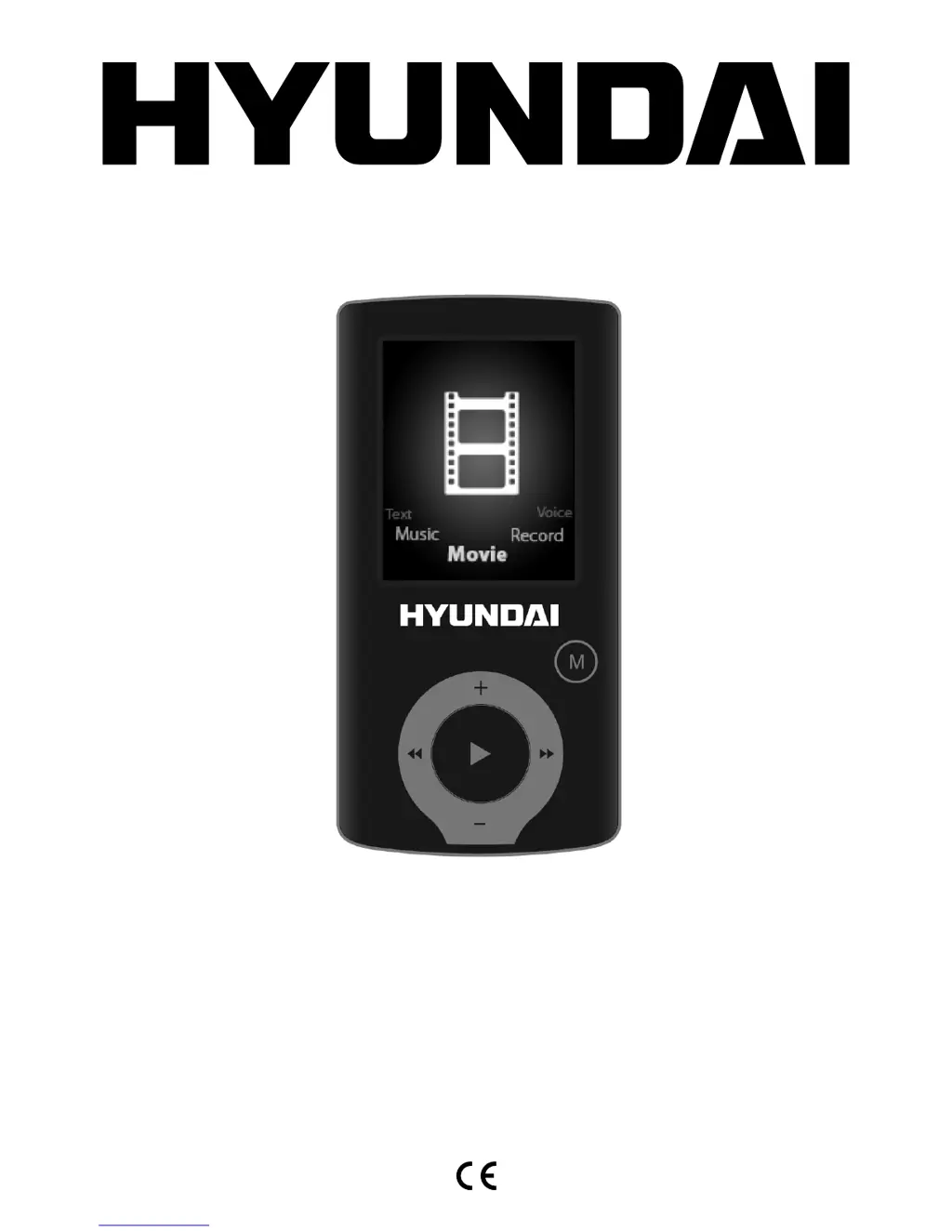
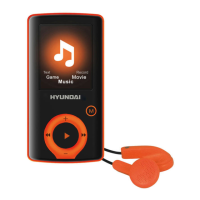
Hyundai MPC 883 FM - User Manual

Hyundai MPC 883 FM
76 pages
Go to English
Print Icon
To Next Page IconTo Next Page
Loading...
MPC 883 FM







Table of Contents

Questions and Answers

  • J
    jamiecarlsonAug 6, 2025
    What to do if my Hyundai MPC 883 FM MP3 Player won't upload or download files?
    • J
      jerrywilliamsAug 6, 2025
      If your Hyundai MP3 Player isn't showing up on your computer when trying to upload or download files, make sure the USB cable is correctly connected. If you're using Windows 98, try reinstalling the CD driver.
  • A
    Angela EvansAug 10, 2025
    Why is my Hyundai MPC 883 FM not recording?
    • B
      brandon06Aug 10, 2025
      If your Hyundai MP3 Player isn't recording, make sure that there is sufficient memory available. Also, check the battery voltage.
  • R
    Robert ThompsonAug 15, 2025
    How to fix strange characters displayed on Hyundai MPC 883 FM?
    • J
      Joshua JohnsonAug 15, 2025
      If your Hyundai MP3 Player is displaying strange characters, ensure that the correct language is selected in the settings.
  • H
    hendersonmanuelAug 19, 2025
    What to do if my Hyundai Media Player cannot work?
    • M
      Marc CooperAug 19, 2025
      If your Hyundai Media Player is not working, here are a few things to check: 1. Verify the battery voltage. 2. Ensure the power button is turned on. 3. Confirm the volume isn't set to “0” and that earphones are properly connected. 4. Check for damaged music data, as this can cause issues. Also, make sure there are files on the player. 5. When formatting the disk, choose the correct FAT file system in the dialogue box.
  • E
    erin07Aug 25, 2025
    Why my Hyundai Media Player cannot upload or download files and there is no disk icon in computer?
    • H
      hendricksbradleyAug 25, 2025
      If your Hyundai Media Player is unable to upload or download files and no disk icon appears on your computer, ensure that the USB cable is correctly connected. If you are using Windows 98, properly reinstall the CD driver.
  • A
    Austin DouglasAug 28, 2025
    What to do if my Hyundai Media Player cannot record?
    • D
      Donald PetersAug 28, 2025
      If your Hyundai Media Player is unable to record, verify that the memory is sufficient and check the battery voltage.
  • A
    Andrew Torres DVMSep 1, 2025
    How to fix strange characters displayed on my Hyundai Media Player?
    • D
      Dr. Katherine HarrisSep 1, 2025
      If your Hyundai Media Player is displaying strange characters, ensure that the correct language is selected in the settings.

Summary

Safety Instructions

Button Functions

Basic Operation Guide

Music Mode Operations

View All Songs

Displays all the songs.

Browse Album List

Displays the album.

Voice Recording Mode

Playback Voice Recordings

FM Radio Functionality

Picture Viewing Mode

System Setup Options

USB Mass Storage Function

Firmware Upgrading

Troubleshooting Common Issues

Technical Specifications

Hyundai MPC 883 FM Specifications

General IconGeneral
BrandHyundai
ModelMPC 883 FM
CategoryMP3 Player
LanguageEnglish

Related product manuals