9
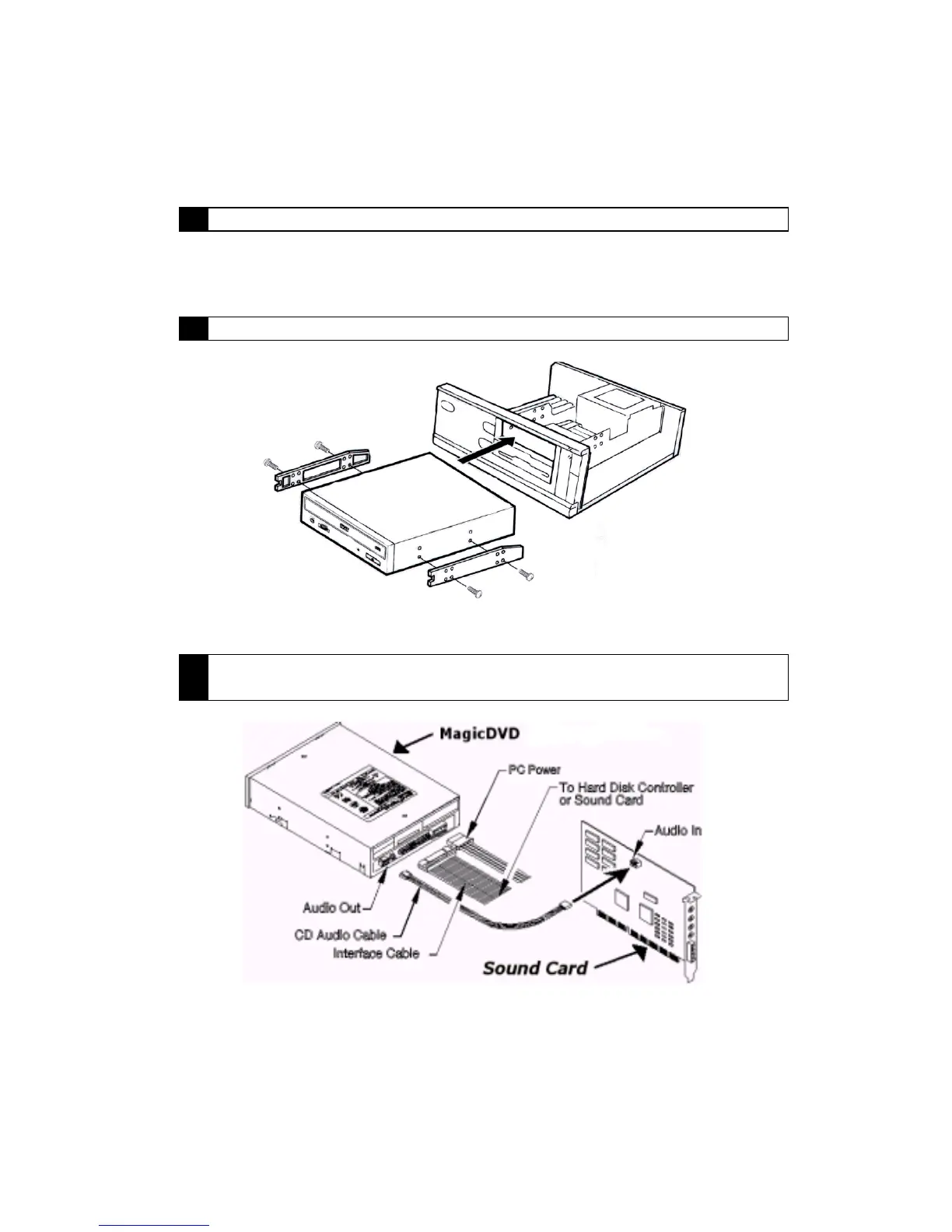
3 Locate an available 5 ¼ drive bay.
Locate an empty 5 ¼ drive bay within your computer. It may be necessary to remove
a square iron plate. Please refer to your computer’s User’s Guide for assistance.
4 Slide the MagicDVD 16X Multi-Purpose DVD-ROM drive into the empty bay.
(Side brackets not included with DVD drive)
5 Connect the power supply cable into the DC input connector on the back of
your MagicDVD 16X Multi-Purpose DVD-ROM.



 To Next Page