3
H
H
A
A
R
R
D
D
W
W
A
A
R
R
E
E
D
D
E
E
S
S
C
C
R
R
I
I
P
P
T
T
I
I
O
O
N
N
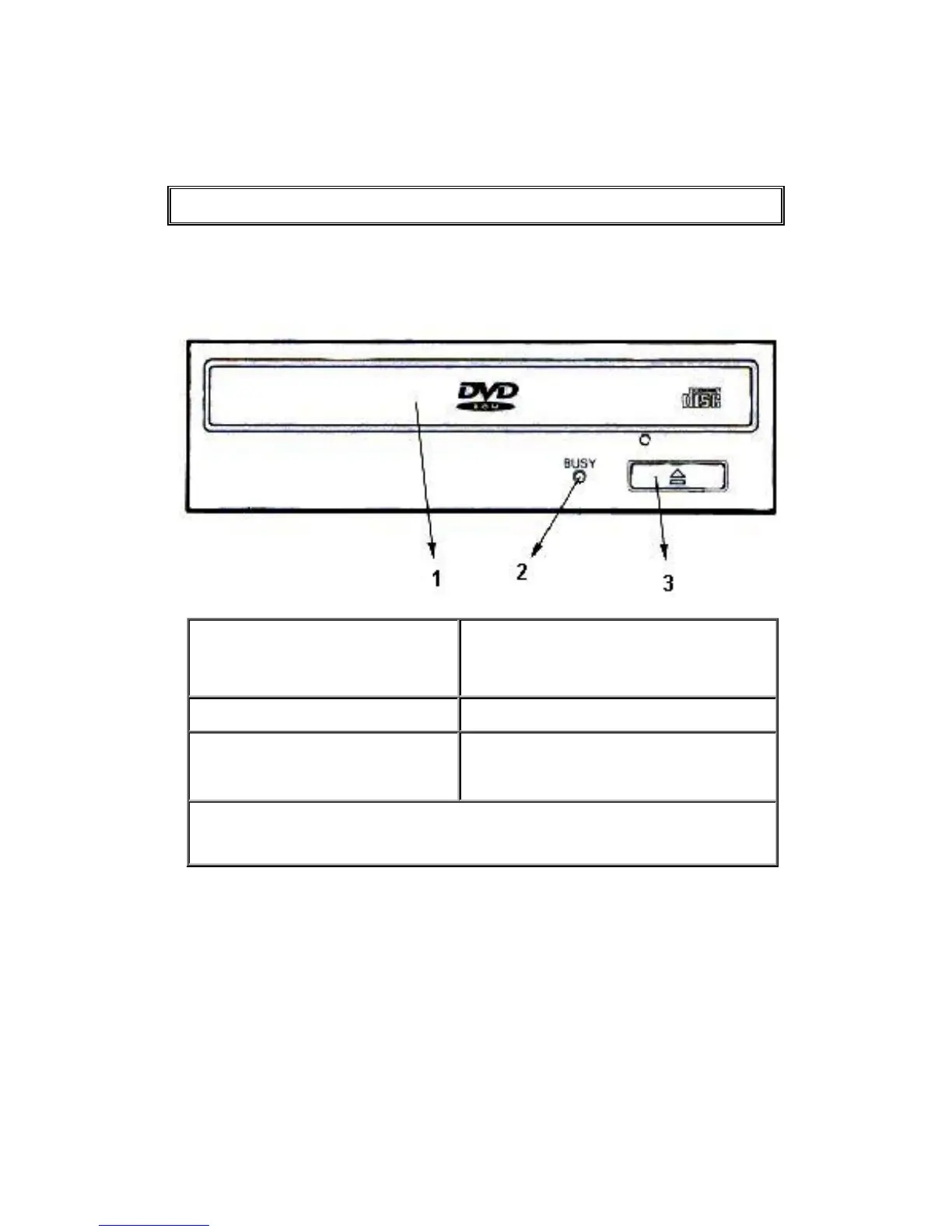
Front Panel
1. Disk tray
Auto loading by means of the ejection
button. Place the CD-ROM / DVD-ROM
with the label facing up onto the tray.
2. Busy indicator
Flashes during data access.
3. Eject button
This button is used to open and close the
tray.
Forced ejection hole (above eject button): When the eject button has lost its
function, insert a stiff rod into this hole and push to eject the disk tray.



 To Next Page