10
Viewing Multimedia
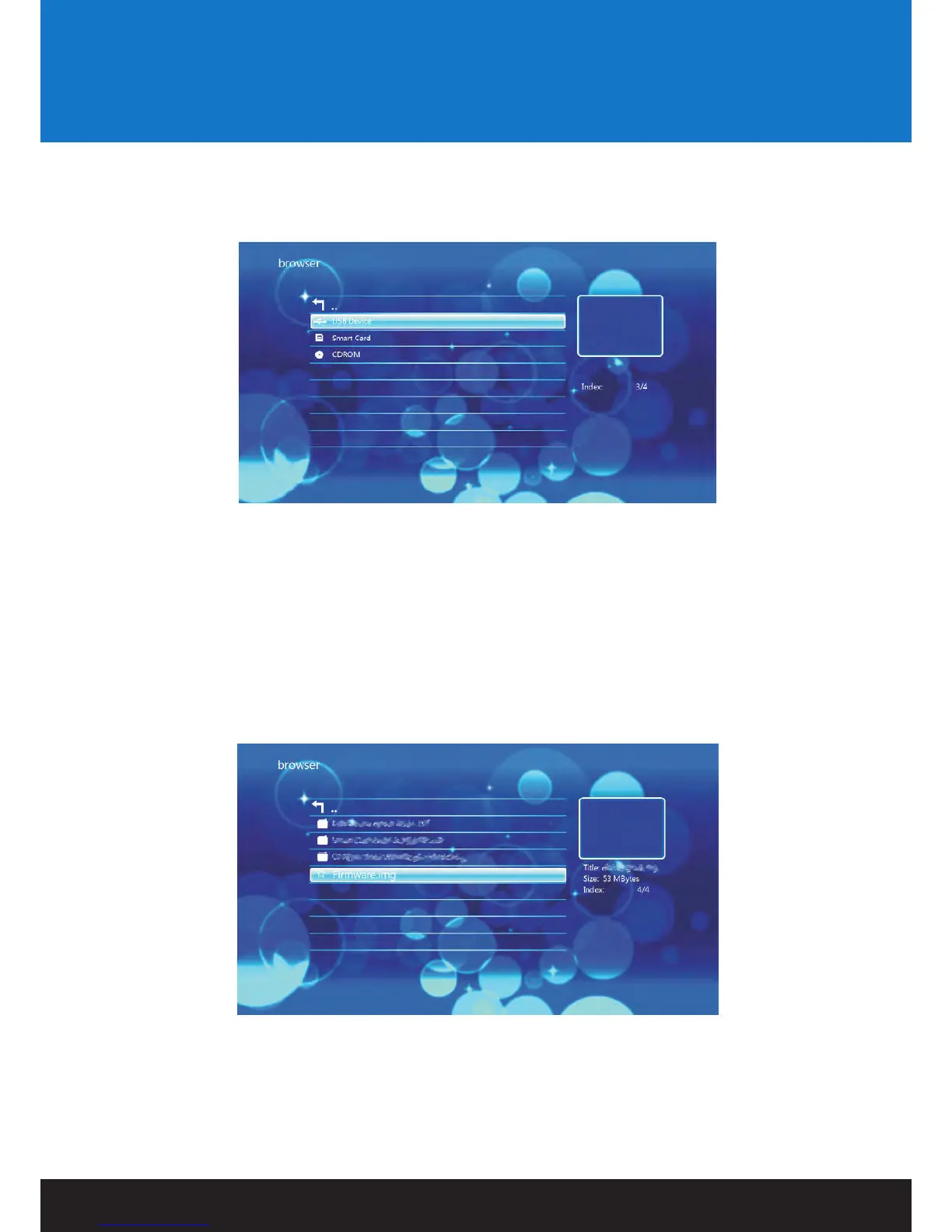
Using the VORTEX-D remote control, navigate to “Browser” and press ENTER to select it.
This will take you to the device list.
Once in the device list, use the navigation buttons to select the appropriate device type. Depending on the size of the
device and the number of files it contains, it may take a few moments to detect.
E.g., if the external storage device attached is a USB External Hard Drive, select USB Disk.
When the device type has been selected, use the navigation buttons on the remote control to select
the partition for the media player to access.
After you have located the media file you want to display, highlight it and press ENTER on the remote control to play it.


 To Next Page