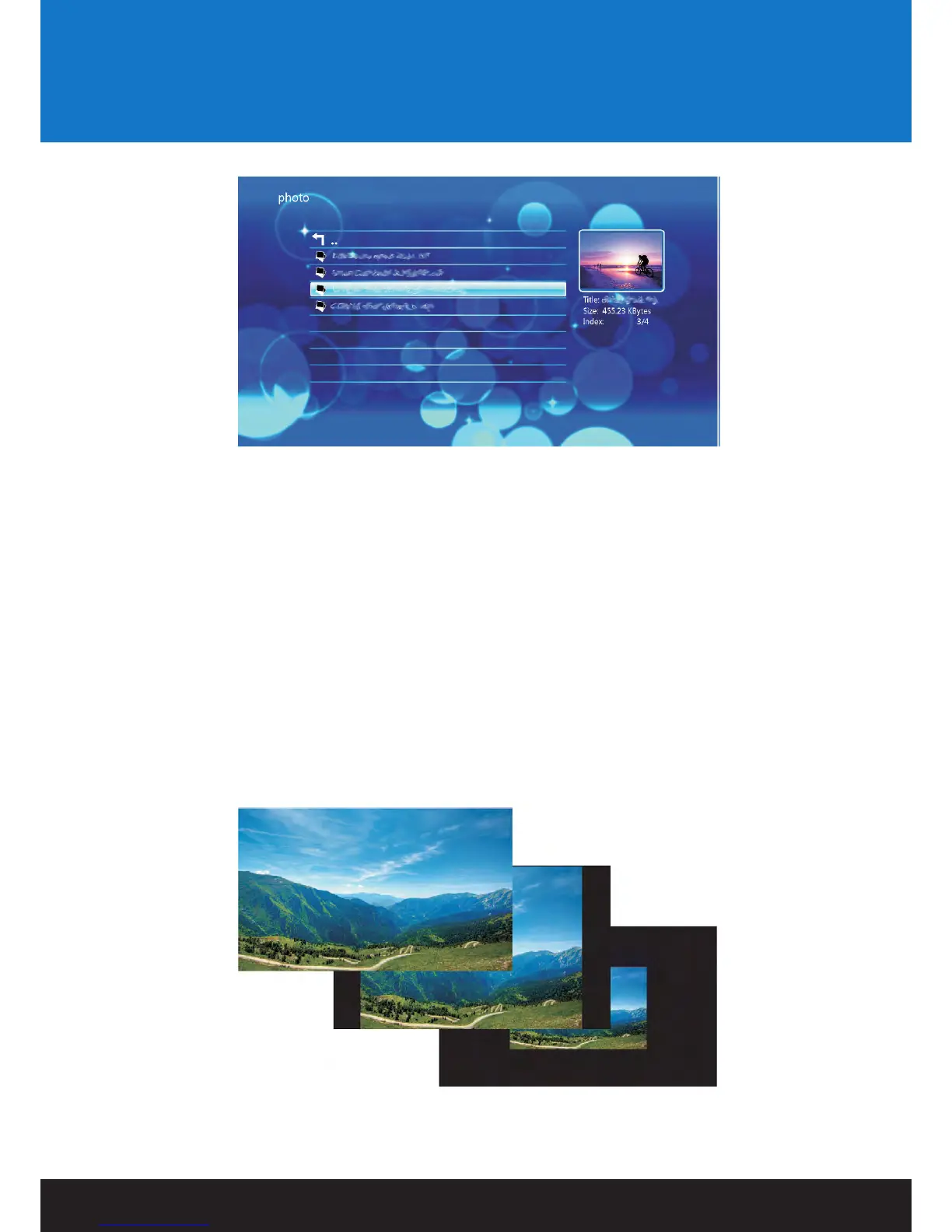
To view the highlighted image in full screen, press ENTER on the remote control.
Please note that it may take a moment to display an image depending on its size
Picture Playback Options:
During image playback, there are a number of options to choose from.
• Pressing the UP button will play the previous file on the list.
• Pressing the DOWN button will play the next file on the list.
• Pressing the ROTATE button on the remote control allows you to rotate image files.
• Each press of the ROTATE button will rotate the image 90 degrees clockwise.
• Pressing the ZOOM button will activate zoom mode.
• Pressing the zoom button repeatedly will change image zoom levels
Viewing Multimedia
17


 To Next Page