22
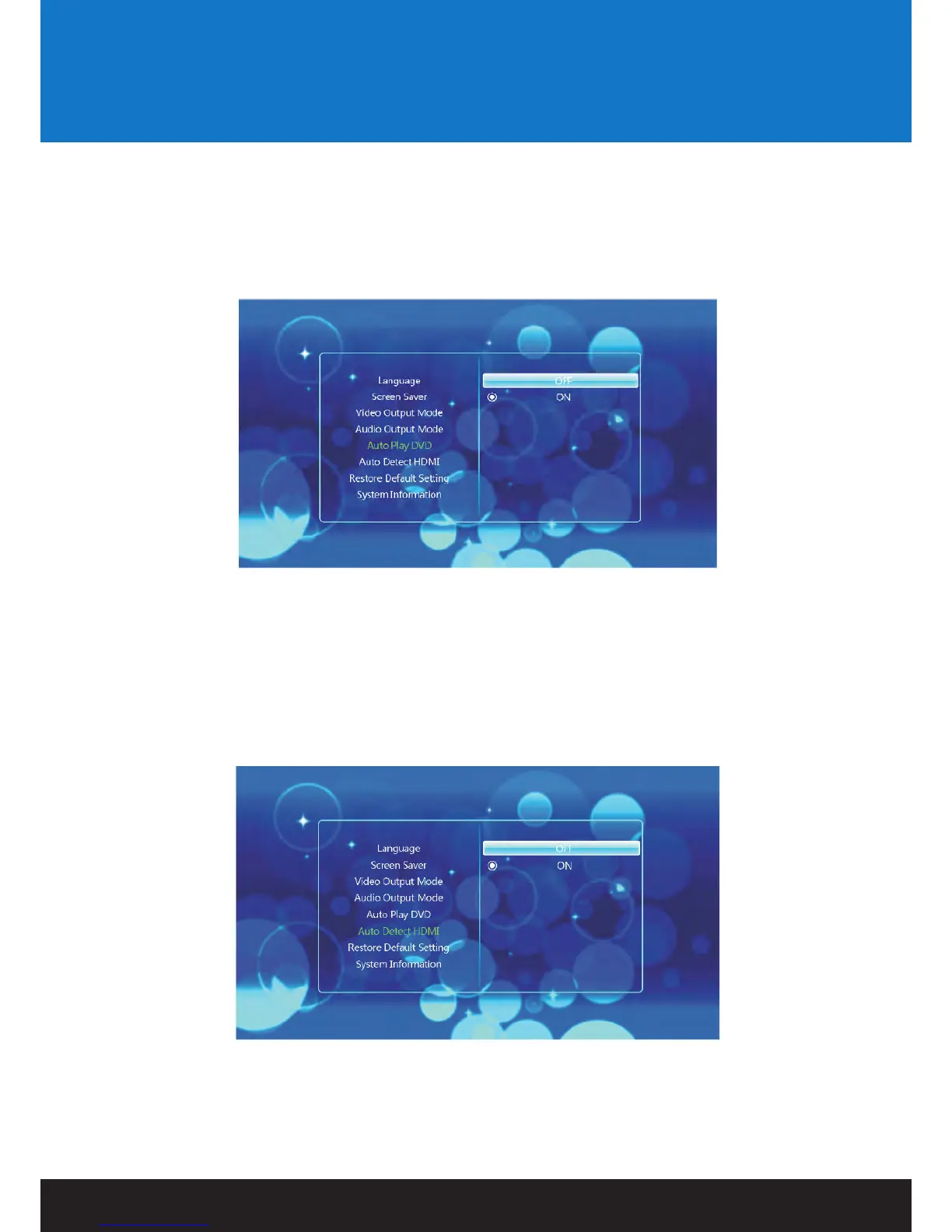
Auto Play DVD:
This setting allows you to change Auto play DVD OFF/ON.
To select an audio output, use the LEFT and RIGHT NAVIGATION buttons on the remote control to select
the appropriate setting. Press the ENTER button to confirm.
Auto Detect HDMI:
This setting allows you to change Auto detect HDMI OFF/ON.
To select an audio output, use the LEFT and RIGHT NAVIGATION buttons on the remote control to select
the appropriate setting. Press the ENTER button to confirm.
Settings


 To Next Page