28 29
2) Manual connecting
When the headset is in standby mode and doesn’t connect
to a device, short press MFB button once and it will connect
to the last connected device.
Note:
- Before connecting to a Bluetooth device, turn on the Blue-
tooth function of the Bluetooth device.
- On some Bluetooth devices - some Nokia mobile phones,
for example - you have to allow automatic connecting in the
mobile phone’s settings. Refer to your mobile phone’s manual
for further information
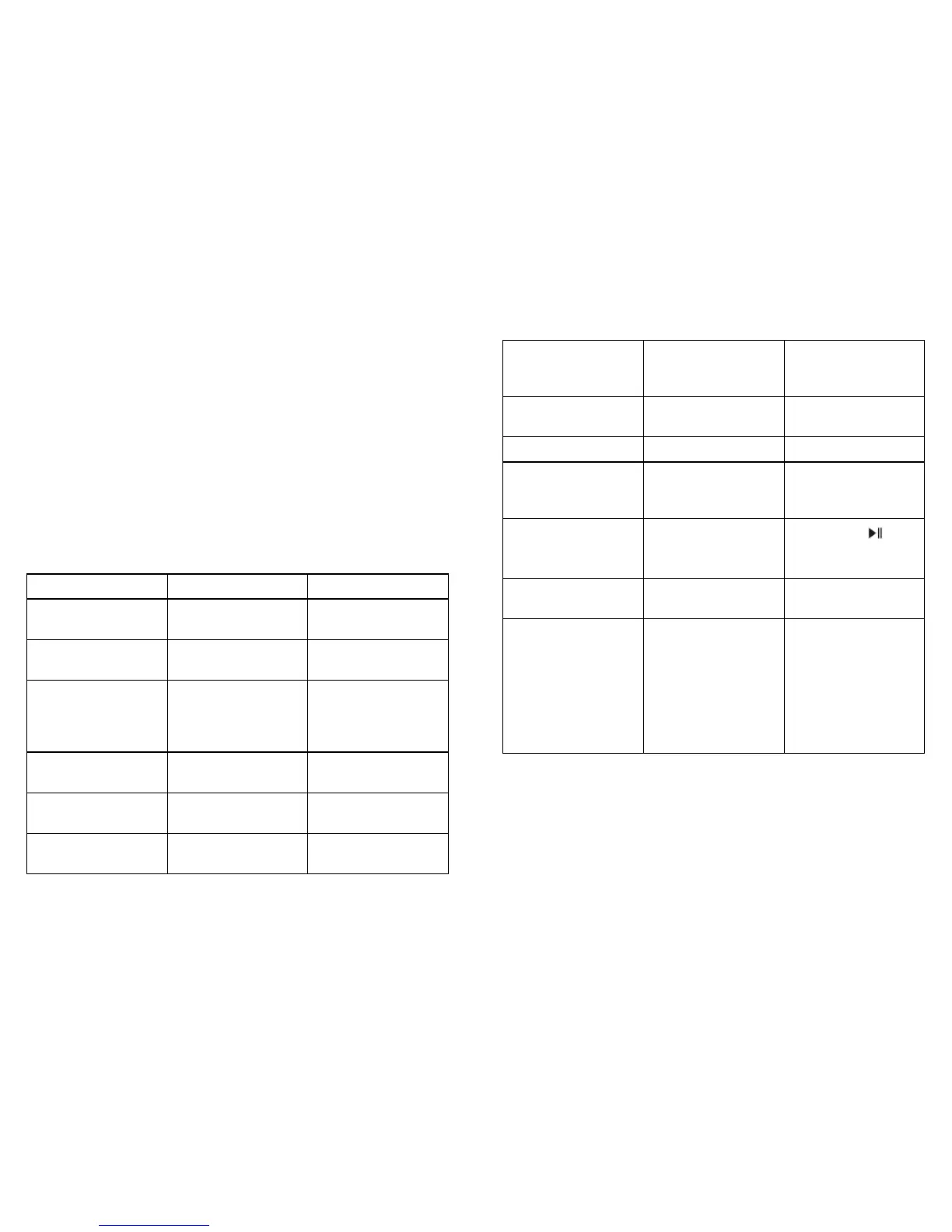
4. Making a call with the headset
1) Basic operation
Functions Operation LED indicator
Cancel a call Calling Short press MFB
once
Answer a call Incoming ringing Short press MFB
once
Reject a call Incoming ringing Long press MFB
for 2 seconds and
release it until
listen a tone
End a call During a call Short press MFB
once
Volume up During a call Short press +
button
Volume down During a call Short press —
button
Transfer conver-
sation to mobile
phone
During a call Long press MFB
for 2 seconds
Transfer conver-
sation to headset
During a call Long press MFB
for 2 seconds
Mute microphone During a call Double click MFB
Cancel mute During a call
(microphone
mute)
Double click MFB
Voice dial Standby mode
(connected device)
Long press
button for
2 seconds
Redial the last
number
Standby mode
(connected device)
Double click MFB
Remove paired list Turned off Press MFB and
pause button for
8 seconds simul-
taneously, and
release it until the
red and blue (or
purple) LED are on
at the same time



 To Next Page