IACER S.r.l.
46
MNPG95 Rev. 01 Ed. 28/09/12
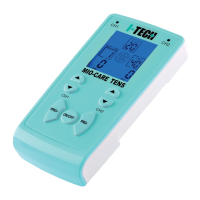
3. Select the program group using the MODE button (no selection is necessary for the TENS
model).
4. Select the program using the PRG key (for the TENS model select the program using the
PRG+ and PRG- keys).
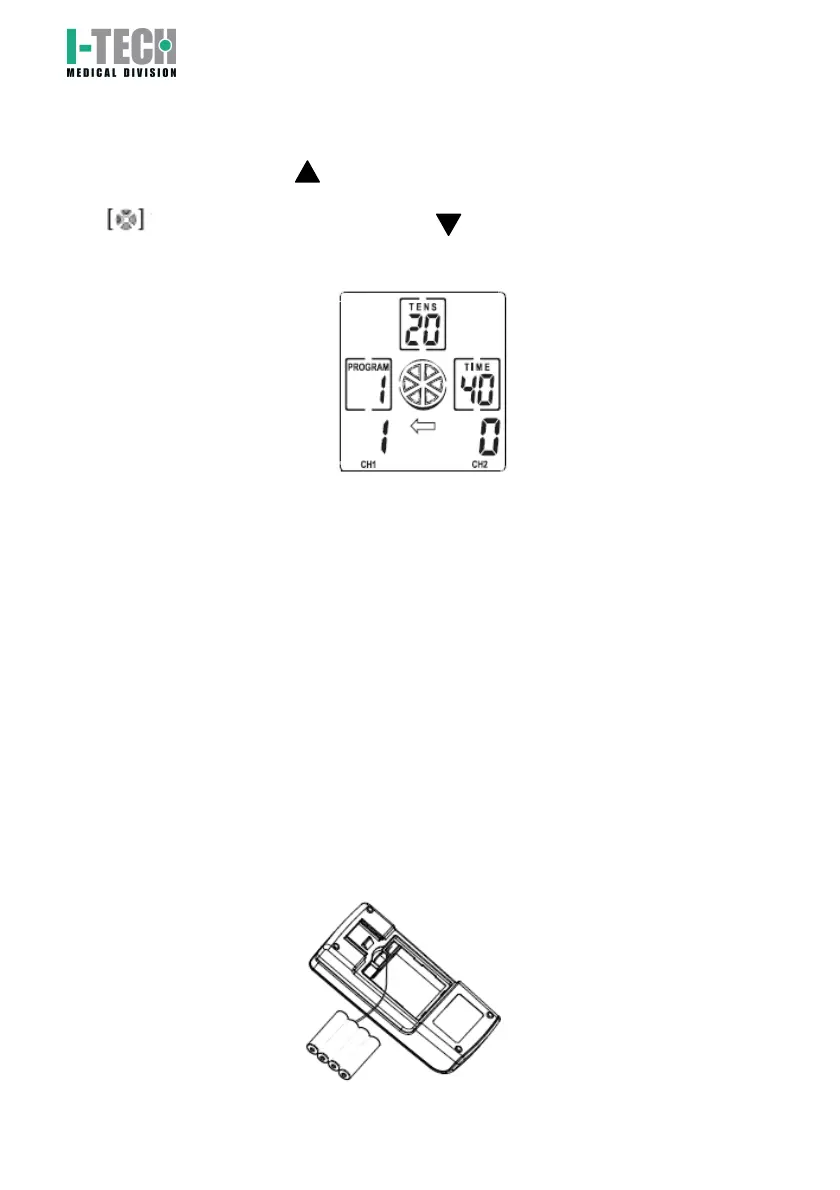
5. To start the session press key of the selected channel CH1 or CH2 and increase the
output current intensity till the personal tolerance level is reached (stimulation comfort).
icon starts blinking on the display. The key can be used to reduce the power if
the intensity is too high;
6. Stimulation intensity is showed on the display in a scale progressing from 0 to 50.
7. At the end of the program (always preset at the factory), the stimulator will return to the
initial screen of the selected program setting the intensity to zero.
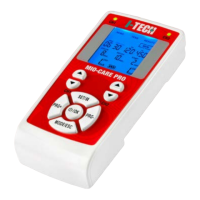
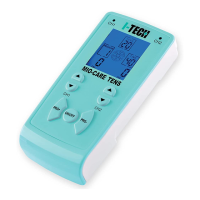
8. To turn MIO-CARE off press ON/OFF key.
‘Stop program’ command: pressing the ON/OFF button once whilst the program is running
interrupts the program.
Attention: MIO-VEIN will turn off automatically if not press any key for 2 minutes to
preserve batteries.
7. Battery installation and charging.
Battery installation.
Open the battery compartment on the back side of the device, connect the battery wire to the
plug inside the battery compartment (see the image below).
Insert the battery and close the battery compartment.


 To Next Page