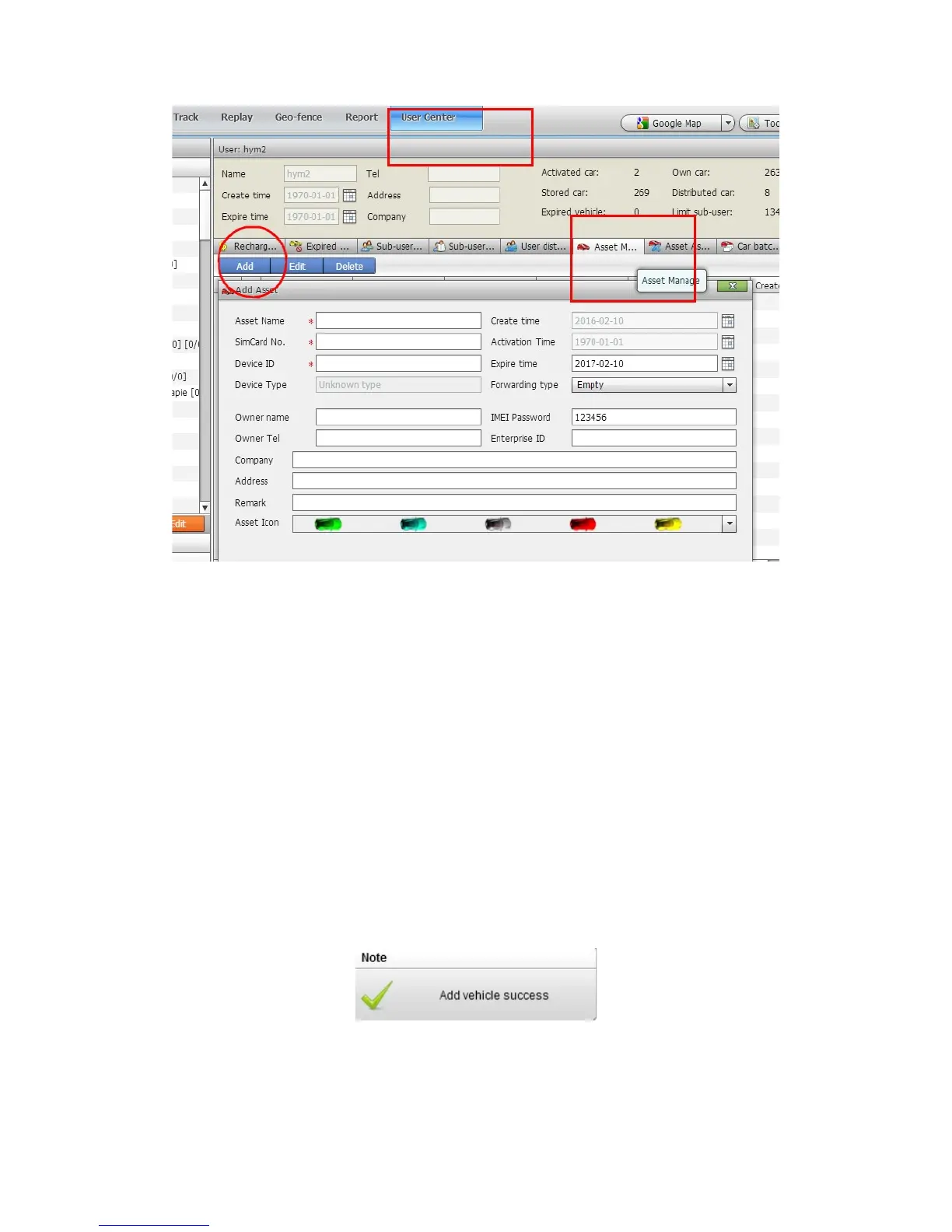
Asset Name: Define by yourself; you can enter A-Z number or Numeric
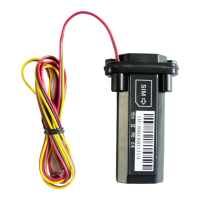
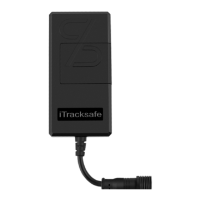
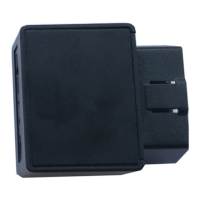
Device ID: On the GPS tracker cover , you can find the “ID”.
Very Important Note: Asset name and device ID must be unique on the
software, you can add once only, you need to delete it from database before
adding it again.
Create time&Activation time: Do not choose.
Expiry time: Define via yourself.
Forwarding type: Null
SIM card: the SIM card phone number you put in MT-1 or any number.
Asset Password: define by yourself.
Click "Submit", and then you add the GPS tracker MT-1 successfully on the
software 900D.
Wait few seconds, and you will see the GPS Tracker online icon on software


 To Next Page