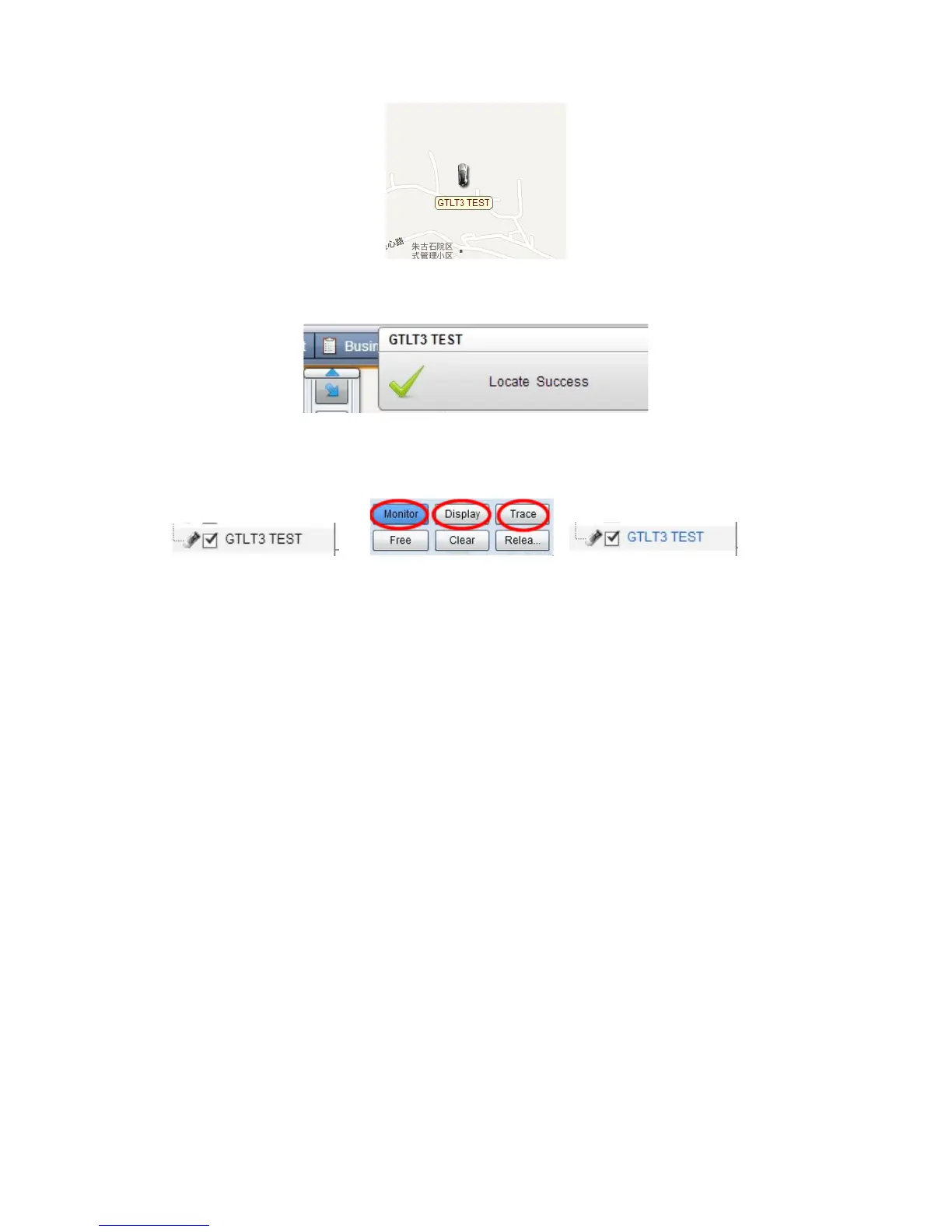
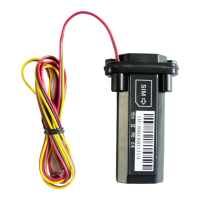
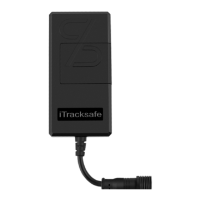
Put a check mark on the device, and right click, you will see the menu as below
picture. Now you can track online.
Attention: For 900D GPS Software, "Monitor" and "Asset Name" must be
checked till the font becomes blue, then the GPS tracker will update
location automatically on map.Like below picture:
8. SMS command list
8.1. Set Controller phone number
Command: controller phone number+ user password +space+Sequence number
(1-3)
Eg: 158111122220000 1
Reply : SET USER NUMBER 1 OK.
Eg: 168111122220000 2
Reply : SET USER NUMBER 2 OK
Eg: 178111122220000 3
Reply : SET USER NUMBER 3 OK
Note: 1. Tracker can have three pre-saved number
2. New Number can cover the old number
3. No pre-saved number also can control the tracker, but alarm information only
to pre-saved number
Delete the controller phone number:
D101# (Delete the first controller phone number)
D102# (Delete the second controller phone number)
D103# (Delete the third controller phone number)
8.2. Work Mode Exchange
SMS Mode Command: 700+ user password
Eg: 7000000


 To Next Page